What Is an Anchor Day? Definition and Examples (2026)
Sara
Sales Director, Reservete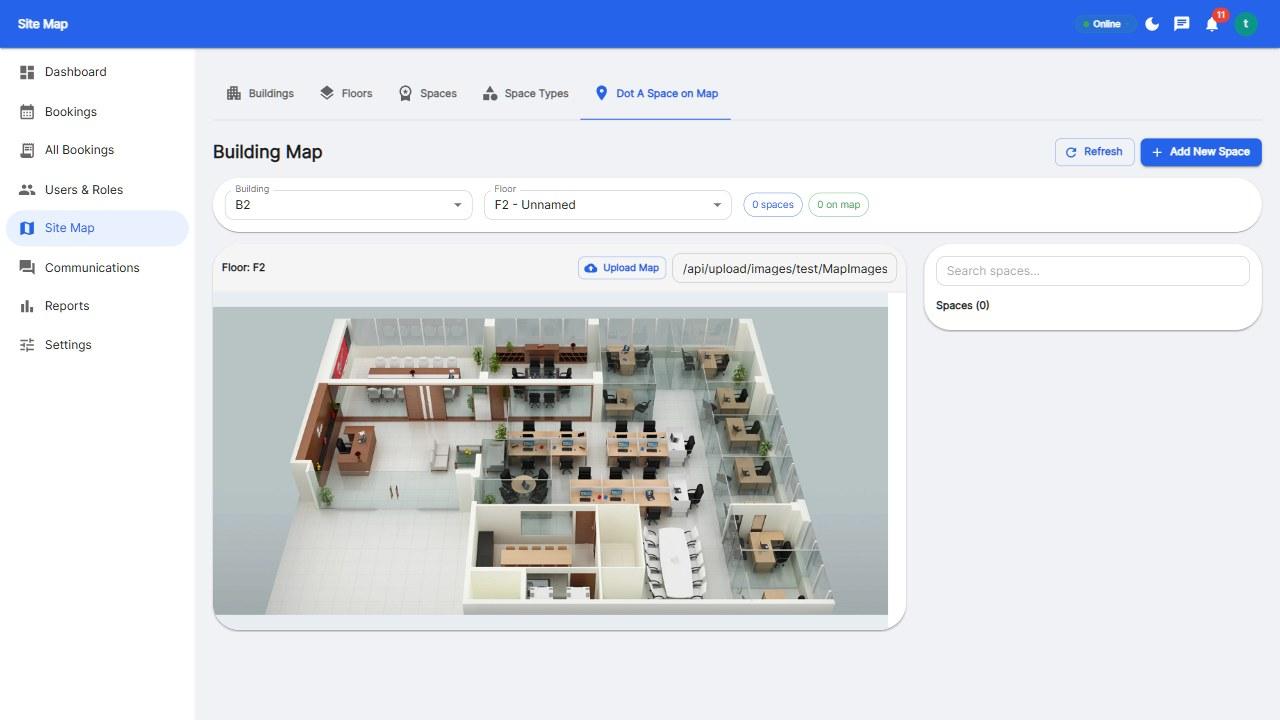
An anchor day is a fixed in-office day when a team is on site together. How to choose anchor days, real examples, common mistakes and how to measure them.
An anchor day is a set day when a team, department or whole company is expected in the office together, so in-person time is planned rather than left to chance. Most hybrid companies set one or two anchor days a week per team and spread them across the week so the office does not overflow on one day.
Last updated: 14 November 2026.
Anchor days solve the most common hybrid complaint: commuting in to find your colleagues are all at home. This guide covers the types of anchor day, real examples, a worked example of assigning days to teams, what to do on the day and how to measure whether it works.
What types of anchor day are there?
| Type | Who comes in | Strength | Risk |
|---|---|---|---|
| Company-wide anchor day | Everyone, same day | Whole-company events and visibility | Needs desks for nearly everyone |
| Department anchor day | One department | Cross-team work inside a function | Crowding if departments overlap |
| Team anchor day | One team, 1-2 days a week | Easy to fit to space | Less cross-team contact |
| Anchor week | A team or company, one week a month or quarter | Works for distributed teams | Travel and booking peaks |
What are examples of anchor days?
- Product team, Tuesday and Thursday: planning on Tuesday, demos and retrospectives on Thursday.
- Sales, Monday: pipeline review in the morning, customer calls from focus booths in the afternoon.
- Whole company, first Wednesday of the month: all-hands, lunch and team socials.
- Engineering, one anchor week per quarter: people travel in for planning and design sessions.
- New-starter anchor: managers and buddies come in on a new hire's first two weeks of anchor days.
How do you assign anchor days to teams?
Worked example: an office with 60 desks and six teams totalling 100 people: A (25), B (20), C (18), D (15), E (12) and F (10).
- Everyone on Wednesday: 100 people for 60 desks. It does not fit.
- Spread across the week: Tuesday A + C = 43, Wednesday B + D + F = 45, Thursday E = 12, leaving Thursday light for visitors and optional days.
- Check: the busiest anchor day is 45 people, plus people on optional days. Keep the planned peak below about 90% of desks (54 here) so everyone can still find a seat.
Model your own office with the desk sharing ratio calculator, and pair the result with team zones so each team actually sits together.
How do you choose the best anchor day?
- List what the team needs to do in person: planning, workshops, onboarding, reviews.
- Check four weeks of booking data for which days are already crowded.
- Avoid stacking large teams on the same midweek day.
- Pick days that suit team rituals, such as planning at the start of the week.
- Reserve a team zone and the meeting rooms the team needs on that day.
- Review after a month and swap days if overlap or space is poor.
Midweek is usually busiest. Kastle's access-control barometer for ten US cities, measured against a February 2020 baseline, reported a national weekly average of 56.4% in its early-November 2026 report, with Wednesday 4 November the peak day at 65.3%. Moving one or two teams to Monday or Friday often frees the most space.
What should happen on an anchor day?
- Plan collaborative sessions for the anchor day; move solo focus work to remote days.
- Book the rooms the team needs in advance, including one for spontaneous discussions.
- Keep video calls with other teams to a minimum, or book a booth for them.
- Make time for informal contact: lunch, coffee or a short stand-up in person.
- Invite new joiners and colleagues from other sites on anchor days.
Anchor day policy wording you can copy
Anchor days - [Team name] (copy, paste and edit the bracketed parts)
Our anchor day(s): [Tuesday and Thursday].
We expect everyone in the office on anchor days unless on leave, travelling
for work or on an agreed exception.
Our zone: [Floor 2, Zone A]; book a desk there in [tool] before you come in.
Check in by [10:00]; unconfirmed bookings are released.
Team rituals on anchor days: [planning 10:00 Tue], [demo 15:00 Thu].
We review our anchor days every [quarter].
Add this section to your hybrid work policy template so anchor days sit alongside attendance rules.
How do you measure whether anchor days work?
| Metric | Formula | Healthy signal |
|---|---|---|
| Anchor-day overlap | Team members present on anchor day / team size | A clear majority, stable over months |
| Peak-day occupancy | Checked-in desks on busiest day / bookable desks | Below about 90% |
| No-show rate | Bookings not checked in / total bookings | Falling over time |
| Room demand on anchor days | Booked room hours / available room hours | High but with rooms still available |
Try it on your own floor plan: open the Reservete live demo (no signup), or start a 30-day free trial with no credit card. Plans are $19/month (up to 100 users), $29/month (up to 400 users), $59/month (up to 10,000 users) and $99/month (up to 30,000 users).
What anchor day terms should you know?
- Anchor day
- A set day when a team, department or company is expected in the office together.
- Anchor week
- A full week in the office, often monthly or quarterly, for distributed teams.
- Team zone
- Desks reserved for a team on its anchor days.
- Overlap
- The share of a team present on the same day.
- Optional day
- An office day people may choose in addition to anchor days.
- Peak day
- The busiest day of the week; anchor days should not all fall on it.
How do you handle exceptions to anchor days?
Publish a simple route: who to ask, how fast they reply and where the outcome is recorded. Typical exceptions are caring responsibilities, health conditions and reasonable adjustments, part-time patterns that do not include the anchor day and business travel. When several people on a team cannot make the same day, that is a signal to move the anchor day rather than to grant individual exceptions.
Should anchor days be company-wide or per team?
Company-wide anchor days give everyone the same day for events and visibility, but need desks for nearly the whole company at once, which most hybrid offices no longer have. Team anchor days fit space better and still give each team real overlap, but cross-team contact depends on teams sharing at least one day. A common compromise is team anchor days every week plus one company-wide day a month for all-hands, timed when the office can take the extra load, for example by opening social space and meeting rooms as overflow seating.
Whatever the pattern, write it down, put it in the team calendar and review it each quarter with the data.
What are the limitations of anchor days?
- They lose value if the day is spent on video calls with people elsewhere.
- Fixed days are harder for carers and part-time staff; keep an exception route.
- Company-wide anchor days need space for nearly everyone at once.
- Software can reserve zones and show overlap, but teams still need a reason to come in.
How does Reservete support this?
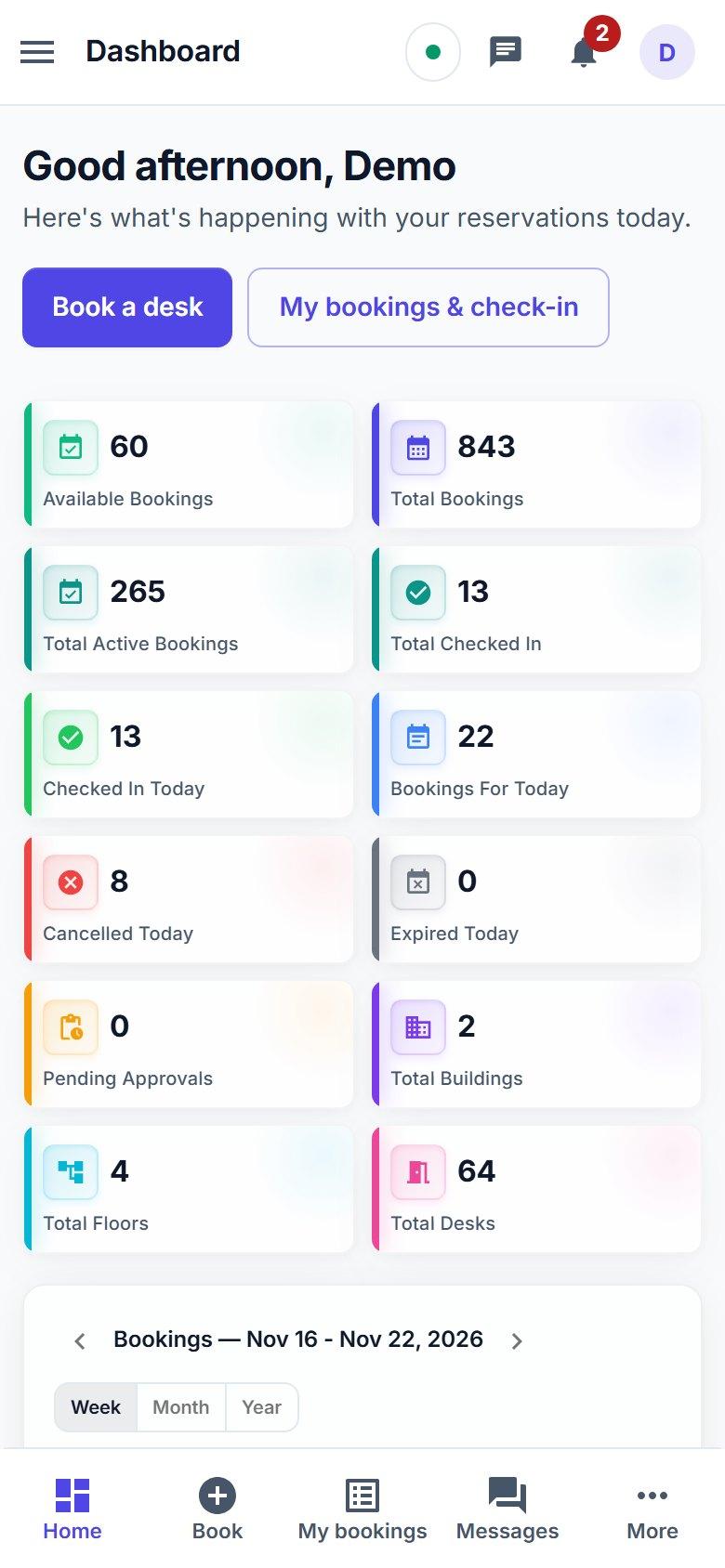
Reservete covers desk, room and parking booking on interactive floor plans, check-in with automatic release of no-shows, guest booking, approvals, 15+ reports, team chat and calls, announcements, a Microsoft Teams app, a REST API and an Android app, in English, Spanish, French and Arabic. Every booking sends a calendar invite (.ics) that people can add to Outlook, Google Calendar or Apple Calendar. Team zones and approvals let you reserve areas for a team on its anchor day, and reports show attendance by day.
Be clear about the limits too. Reservete does not offer two-way Outlook or Google Calendar sync (bookings arrive as .ics invites), there is no Slack integration, no kiosk mode and no SOC 2 report today, and the iOS app is still coming soon (Android is live). If those are hard requirements, shortlist a vendor that has them.
Related: hybrid work schedule types, hybrid work policy template, hybrid workplace models and Reservete hybrid workplace software.
Frequently Asked Questions
What is an anchor day in hybrid work?
An anchor day is a set day when a team, department or the whole company is expected in the office together so in-person collaboration is planned.
How many anchor days should a team have?
Most teams use one or two anchor days a week. Choose based on what the team needs to do in person and whether the office can handle the busiest day.
What is the difference between an anchor day and a fixed office day?
An anchor day is usually set per team for collaboration; a fixed office day applies to everyone. Spreading team anchor days across the week keeps peak demand lower.
Which day is best for an anchor day?
There is no single best day. Midweek is often busiest, so spreading teams across Monday to Friday usually fits space better. Match the day to team rituals.
How do you make anchor days work?
Reserve a team zone and rooms, plan collaborative work for that day, keep an exception route, and review overlap and peak occupancy every month.
Sources
- Kastle Systems: Kastle Occupancy Barometer, weekly report (checked 14 Nov 2026)
- Reservete pricing and plans (checked 14 Nov 2026)
Ready to put this into practice?
Start a 30-day free trial of Reservete — desk booking, meeting rooms, parking and analytics in one place. No credit card required.
Start free trialExplore Reservete