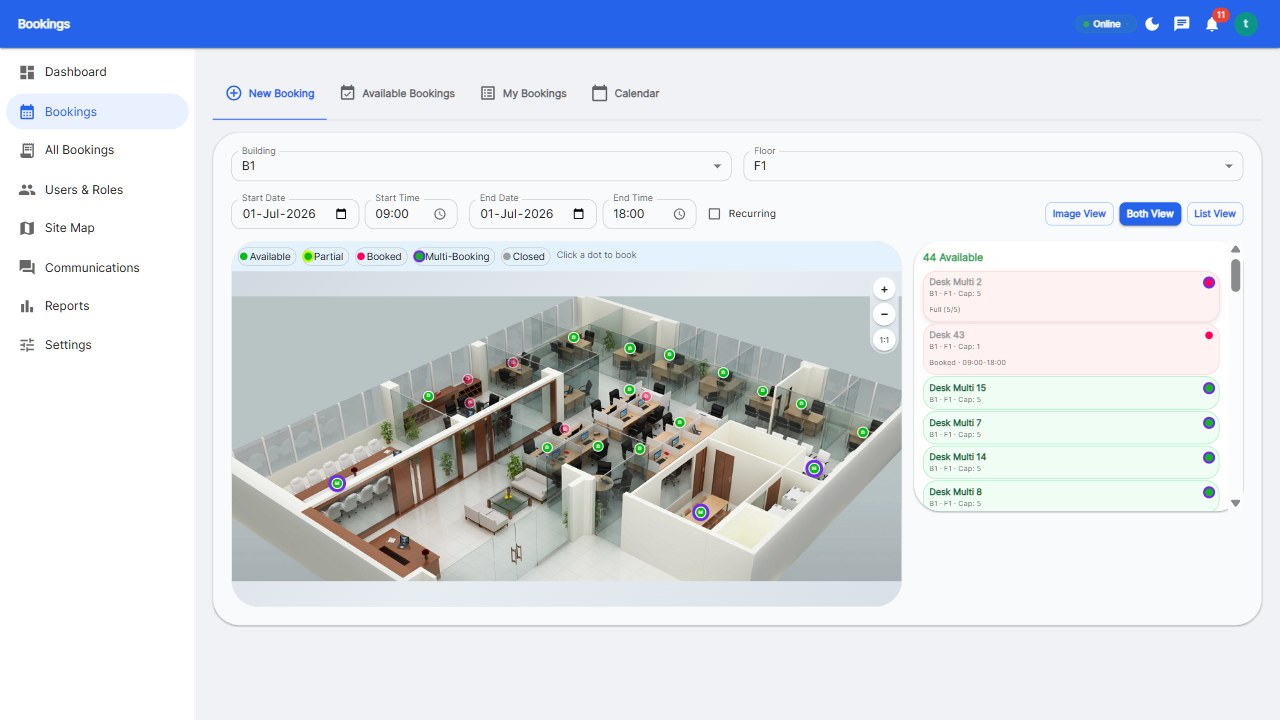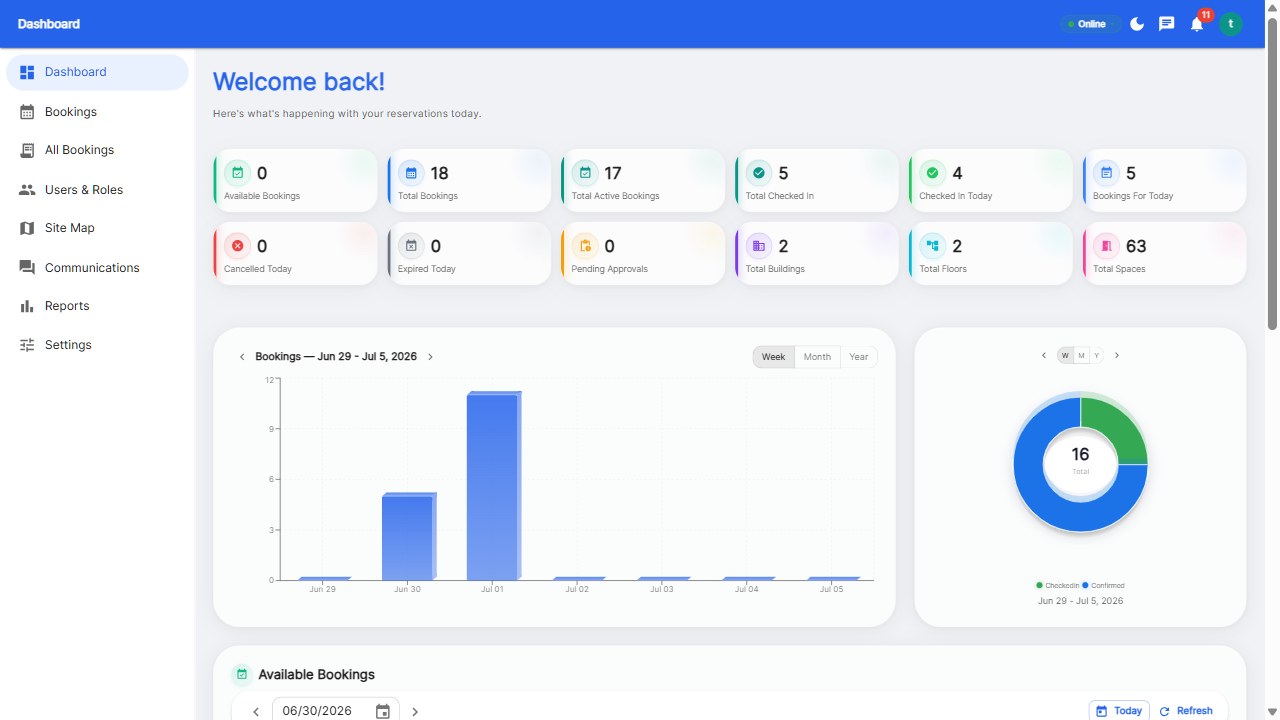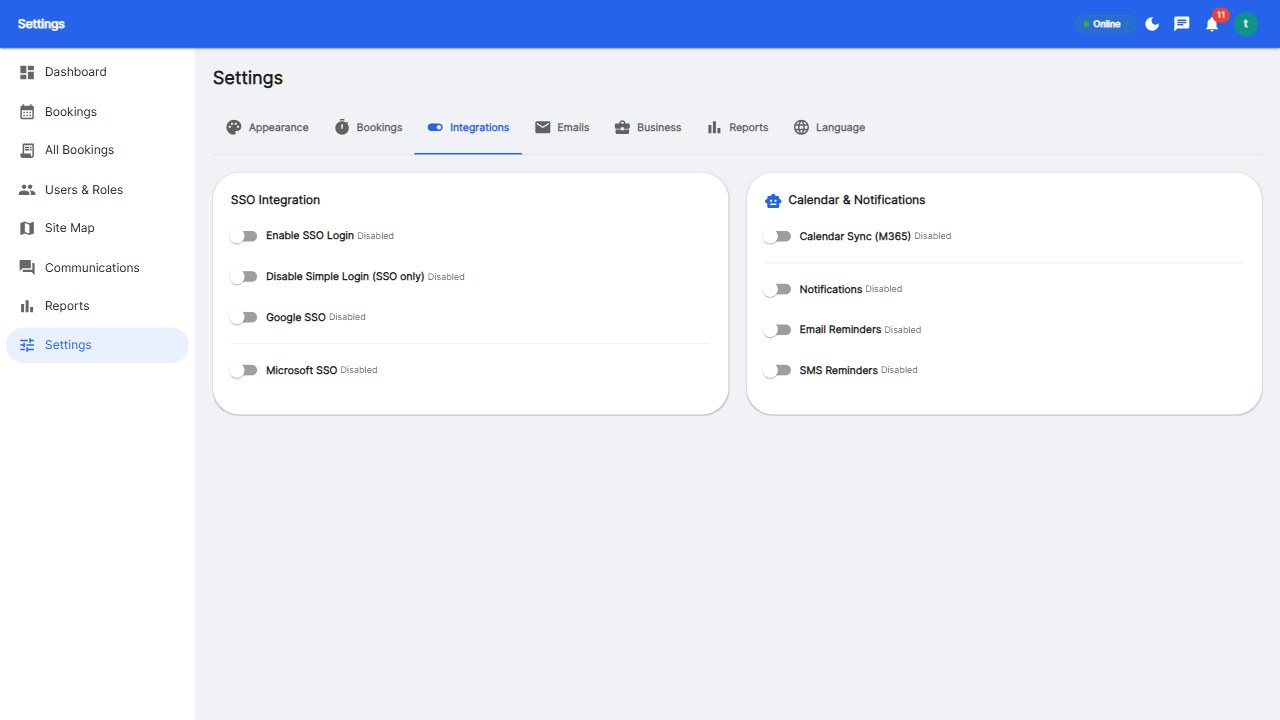
Microsoft 365 teams book desks in 2026 through booking platforms that integrate with the Microsoft stack: sign in with Microsoft Entra ID (SSO), book desks in the platform's app, and see bookings flow into Outlook and Teams calendars via M365 calendar sync. The integration keeps booking inside the workflow employees already use.
For Microsoft 365 shops, three integrations matter: SSO - sign in with your work account, no new passwords; Calendar sync - bookings appear in Outlook/Teams calendars, and room claims sync to Exchange resources; Presence - colleagues see your booked desk alongside your Teams status.
Morning: open the booking app (or Teams tab), see the floor map, tap a desk - 10 seconds. The booking creates an Outlook calendar event automatically. Arrive, check in from the app. Leave early, release the desk. Everything lives inside the Microsoft ecosystem employees already trust.
Verify the integration is real during the trial: sign in with SSO, book a desk, watch the calendar event appear, cancel it, confirm removal. Platforms like Reservete ship the full Microsoft integration in the Professional plan.
Yes - via booking platforms integrated with M365: Entra ID SSO for login, calendar sync to Outlook/Teams, and room booking that claims Exchange resources.
With calendar sync enabled, yes - every desk booking appears as an Outlook calendar event, and colleagues can see your office days.
Yes - most platforms offer Teams SSO and calendar integration; some offer an in-Teams tab for booking. Confirm depth during the trial.
Put booking inside the Microsoft workflow.
Start your free 30-day trial at Reservete.com - no credit card required, full access to every feature.

Enterprise workspace management platform. Book desks, meeting rooms, and parking spots in seconds.
Get product updates and workspace tips.