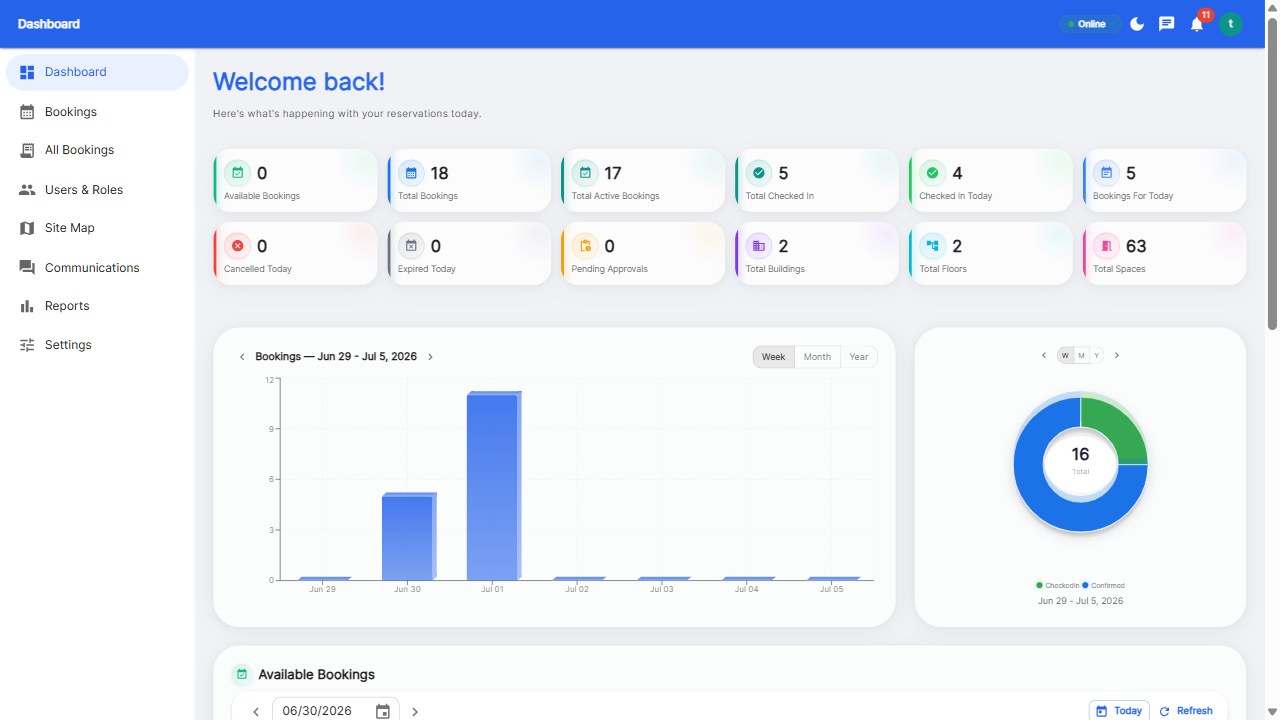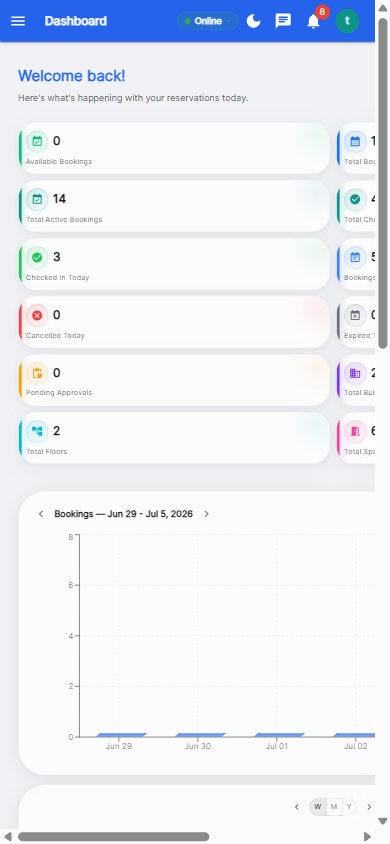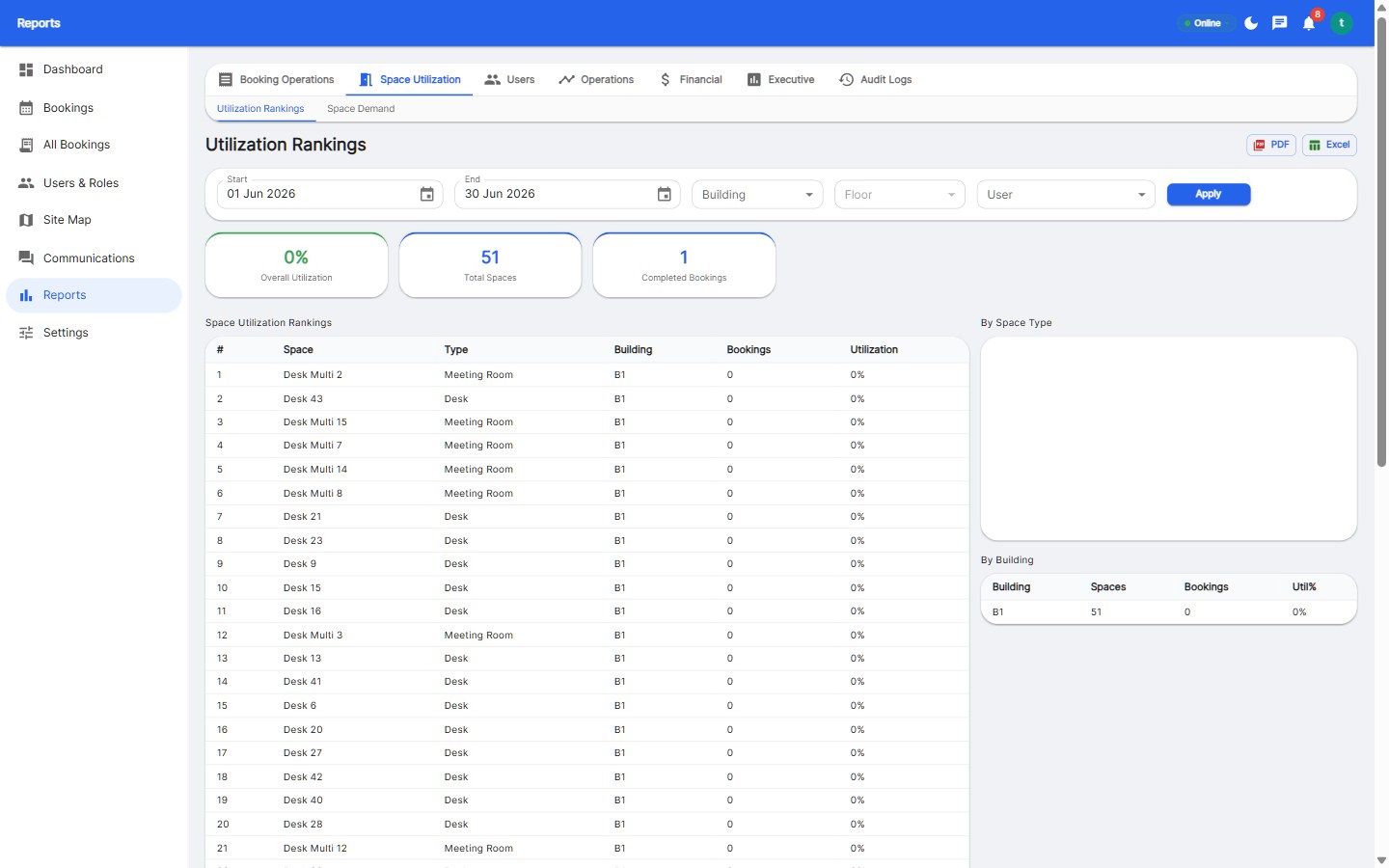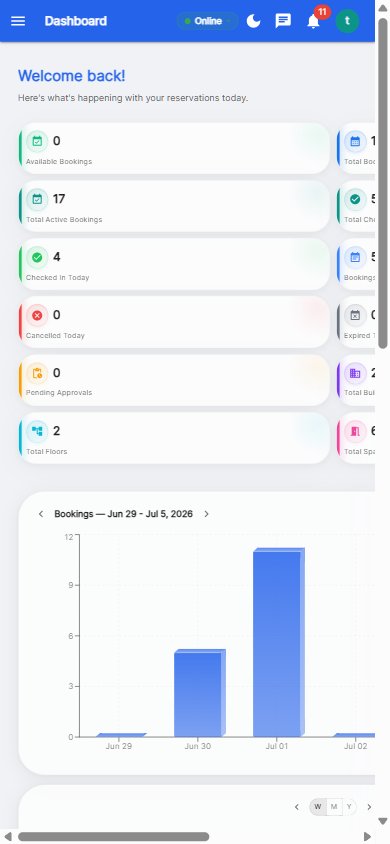
The 8 features employees actually use in an office space booking app: live availability map, one-tap booking, mobile check-in, calendar integration, recurring bookings, booking release, notifications, and guest booking. Employee-facing features are different from admin features - what matters is speed (under 10 seconds to book) and reliability (no double bookings, ever).
The floor plan with green/amber/red dots is how employees actually choose desks. A map that renders instantly and updates in real time removes the guesswork that drives people back to informal coordination.
Open app, tap desk, confirm - under 10 seconds total. Every extra step cuts adoption measurably. The best apps default to 'today, next available' so booking takes a single tap.
Arrive, tap check-in, done. Check-in holds your desk and feeds the no-show system. It must work on mobile data with poor signal - lobby Wi-Fi is never guaranteed.
Desk bookings appear in Google Calendar or Outlook, and room bookings claim real calendar resources. Colleagues see your office days without opening the booking app.
Weekly stand-ups and anchor-day desks book once and repeat automatically. Around 20-30% of all bookings are recurring - employees expect this as a given.
Leaving early? One tap frees the desk for someone else. Combined with no-show auto-release, it keeps every desk in circulation all day.
Confirmations, reminders, and release alerts arrive as push or email. Timely reminders are what actually reduce no-shows - they work far better than penalties.
Visitors get a desk and a badge without admin work. Guest booking with approvals covers reception in offices that don't run a separate visitor system.
Behind those eight, admins need: drag-and-drop floor plan setup, booking rules (windows, check-in, expiry), analytics, and SSO. The employee features are what drive adoption; the admin features are what keep it running.
The live availability map - employees decide where to sit by looking at it. It must be instant, accurate, and mobile-first.
Under 10 seconds from open to confirmed. Any slower and employees will route around the tool.
In successful deployments, 60-90% of office days involve a booking, with 60-75% of bookings made on mobile.
Give employees an app they'll actually open.
Start your free 30-day trial at Reservete.com - no credit card required, full access to every feature.
Start a 30-day free trial of Reservete — desk booking, meeting rooms, parking and analytics in one place. No credit card required.
Start free trial
Enterprise workspace management platform. Book desks, meeting rooms, and parking spots in seconds.
Get product updates and workspace tips.