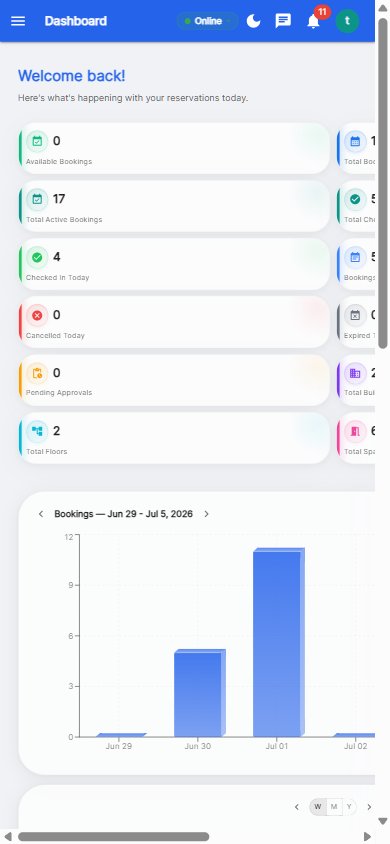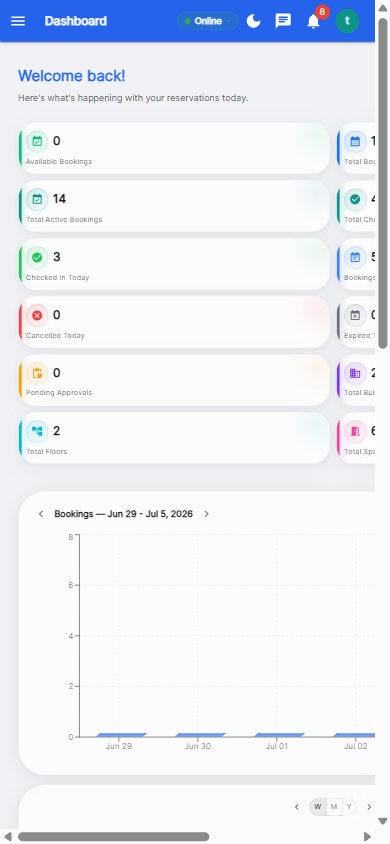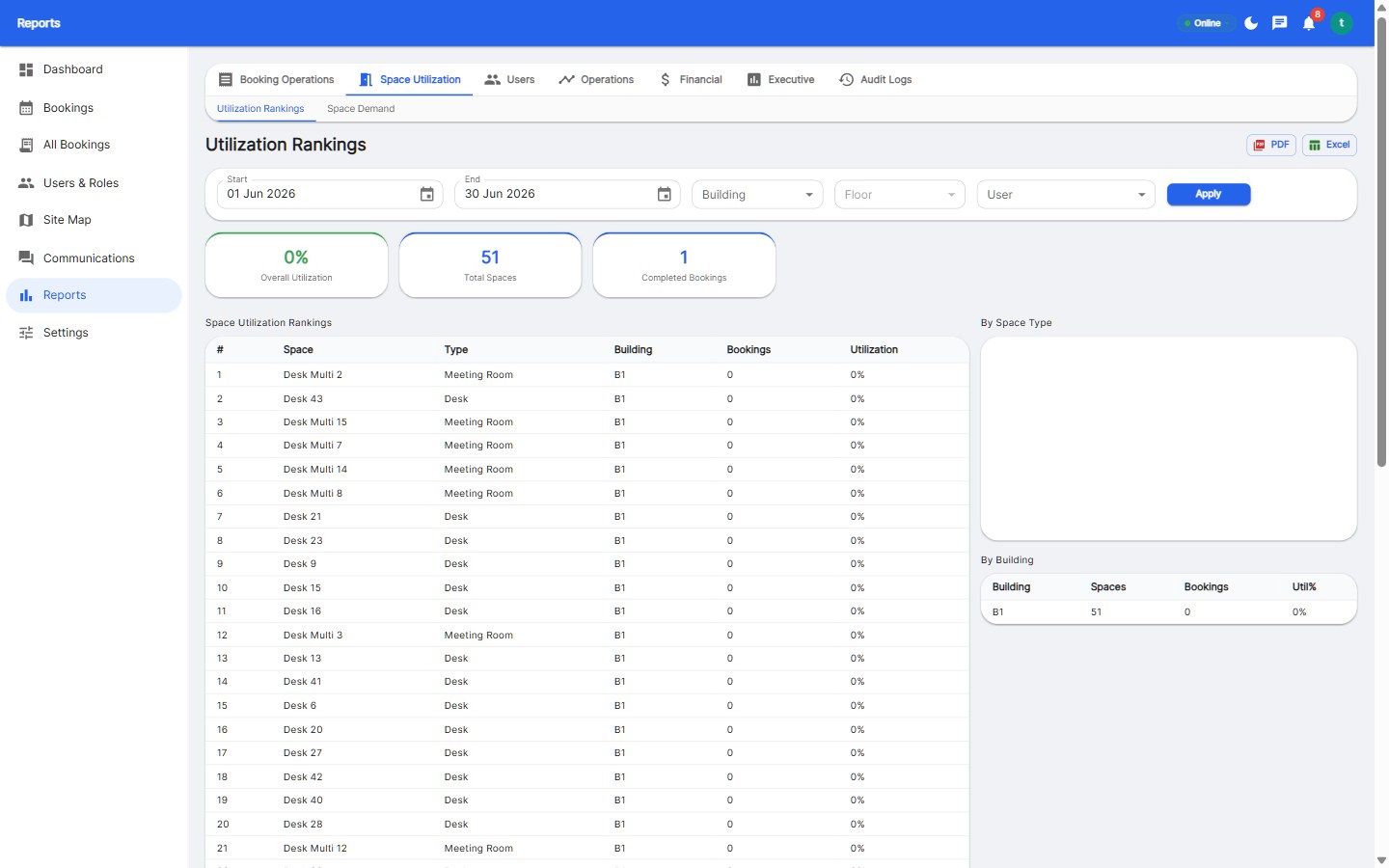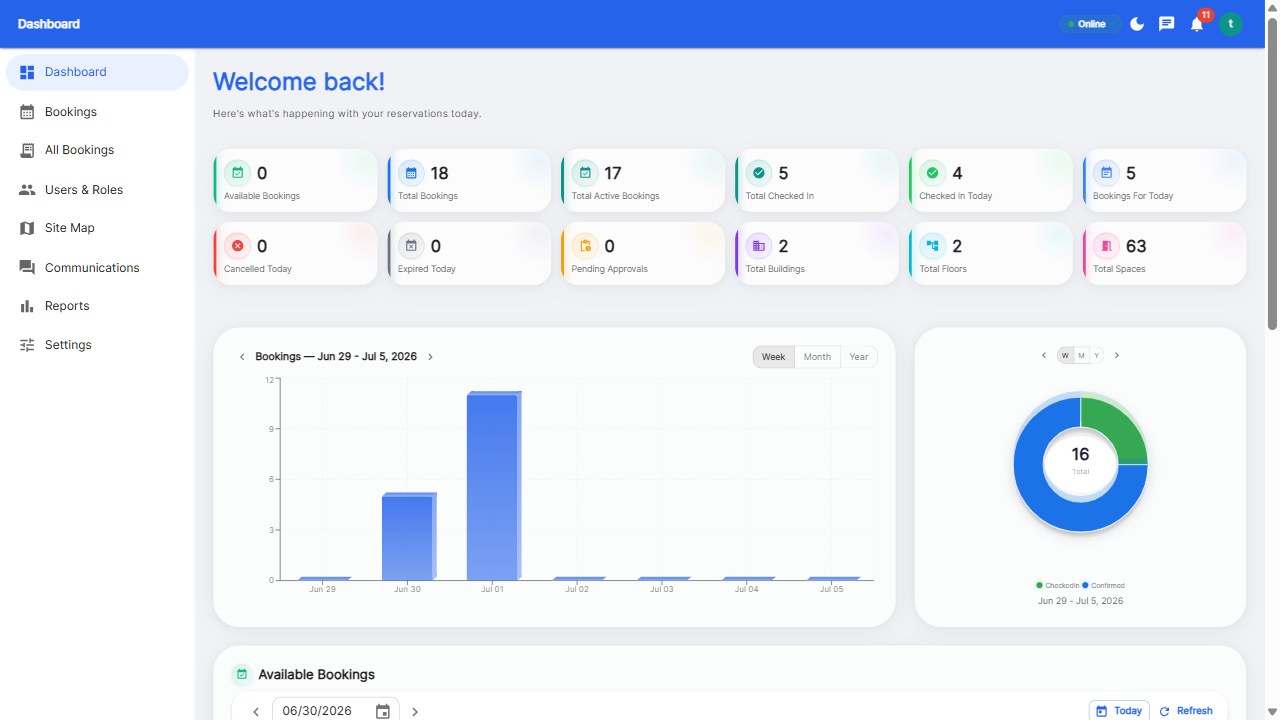
To book a desk at work, open your office's booking app or website, pick your building and floor on the map, choose a green (available) desk, confirm the date and time, and you're done - the whole flow takes under 10 seconds. On arrival, tap check-in so the desk isn't released, and when you leave early, release the booking for someone else.
Most offices run a booking platform like Reservete. Open the mobile app or the web page, and sign in with your work account (many companies enable SSO so you're already logged in).
The interactive floor plan shows your office layout with color-coded dots: green means available, amber means partially booked, red means fully booked. Tap your floor to see every desk and room.
Tap the green desk you want, confirm the date and time (or pick from upcoming days), and submit. Recurring bookings are available for weekly stand-ups - set once, repeats automatically.
Tap check-in when you arrive (usually within a 15-minute window). This holds your desk and releases any no-show protection. If you're late, the desk may auto-release - so check in early.
Leaving before the slot ends? Release the desk so a colleague can book it. It takes one tap and keeps the office maximally usable - the polite thing to do.
Fully booked floors happen on anchor days. Check the amber desks (partially booked days), other floors, or the waitlist feature if your office has one. Booking a day or two ahead is the best way to guarantee your preferred seat.
Under 10 seconds: building, floor, desk, confirm. If it takes longer, your booking tool is too clunky.
The desk auto-releases after the grace period (typically 10-15 minutes) and becomes bookable by someone else. Repeated no-shows may restrict advance booking.
Yes - most offices open booking 1 week ahead. Booking ahead guarantees your seat, especially on anchor days.
Yes - rooms appear on the same map and follow the same booking flow, with optional approval for premium rooms.
Your office runs on booking - here's the 10-second flow.
Start your free 30-day trial at Reservete.com - no credit card required, full access to every feature.
Start a 30-day free trial of Reservete — desk booking, meeting rooms, parking and analytics in one place. No credit card required.
Start free trial
Enterprise workspace management platform. Book desks, meeting rooms, and parking spots in seconds.
Get product updates and workspace tips.