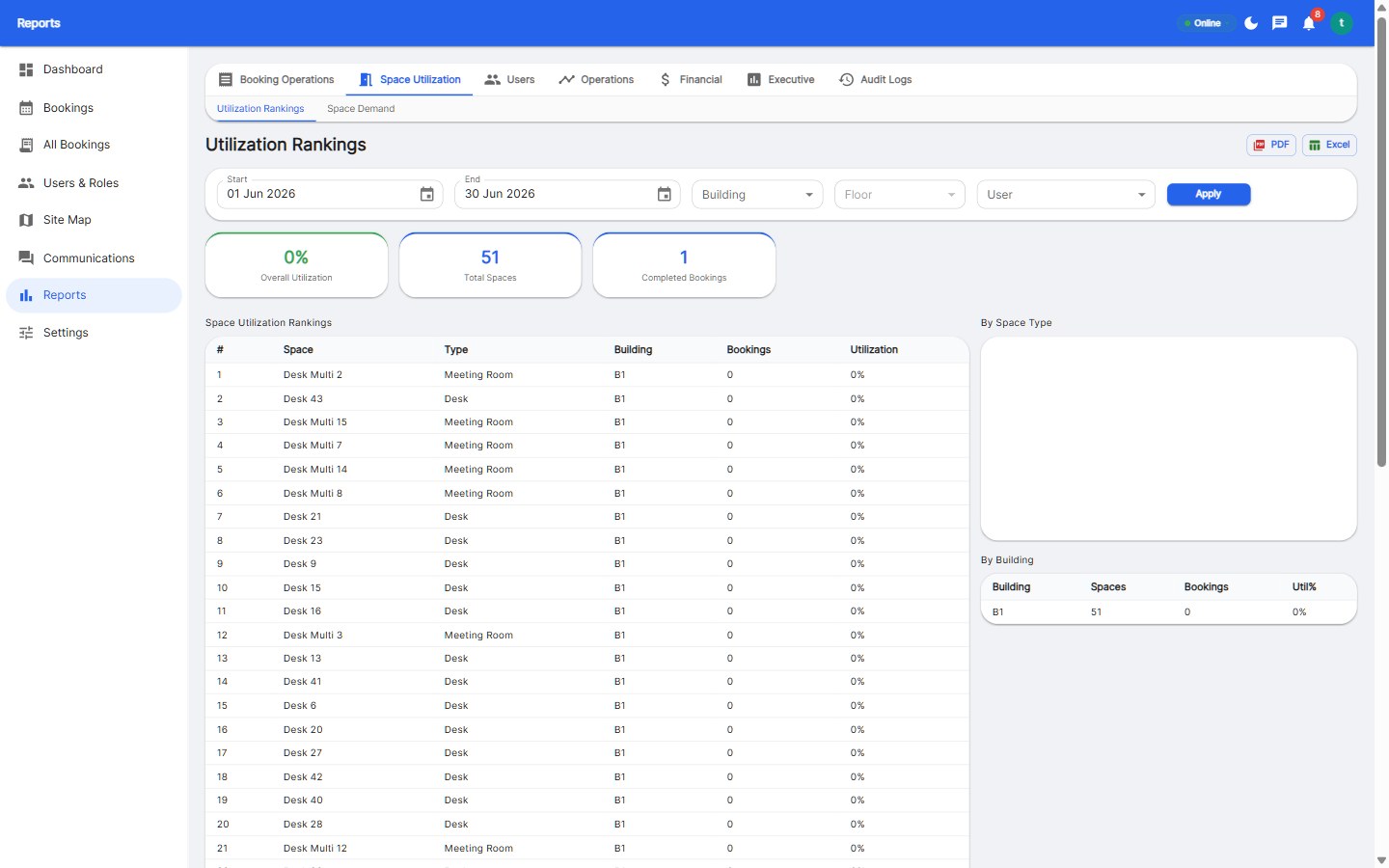
Meeting room booking software lets employees find, book, and manage meeting rooms in real time, eliminating double bookings and no-shows. The best systems in 2026 - like Reservete - combine room scheduling with desk booking, floor maps, calendar sync, and analytics starting around $49/month. Look for calendar integration, conflict detection, and check-in enforcement.
Without a booking system, meeting rooms are governed by whoever gets there first. The result is a familiar litany of failure: double-booked rooms, 'ghost meetings' that reserve rooms without anyone attending, teams holding stand-up meetings in corridors while rooms sit empty, and hours of Slack messages asking 'is room 4 free?'
A booking system brings order with two core mechanisms: conflict detection, which makes double bookings structurally impossible, and check-in enforcement, which releases rooms that were reserved but never used. Together they convert meeting space from anarchy into a predictable resource - and they generate the data to prove how much space you genuinely need.
The business case is stronger than most facilities teams realize. A 50-room office with a 30% no-show rate is losing 15 rooms per day to ghosts. At even two meetings recovered per room per week, that is thousands of recovered meeting-hours a year.
Prioritize the features against your actual pain. If ghost meetings are your problem, check-in enforcement matters more than approvals. If executives share a premium boardroom, approvals matter more than analytics. Buy the configuration that matches your friction.
Many teams start with desk booking and discover they need rooms too - or the reverse. Running two separate tools doubles your cost, doubles employee training, and creates a reporting gap: you cannot answer 'how much space do we actually use?' when desks and rooms live in different systems.
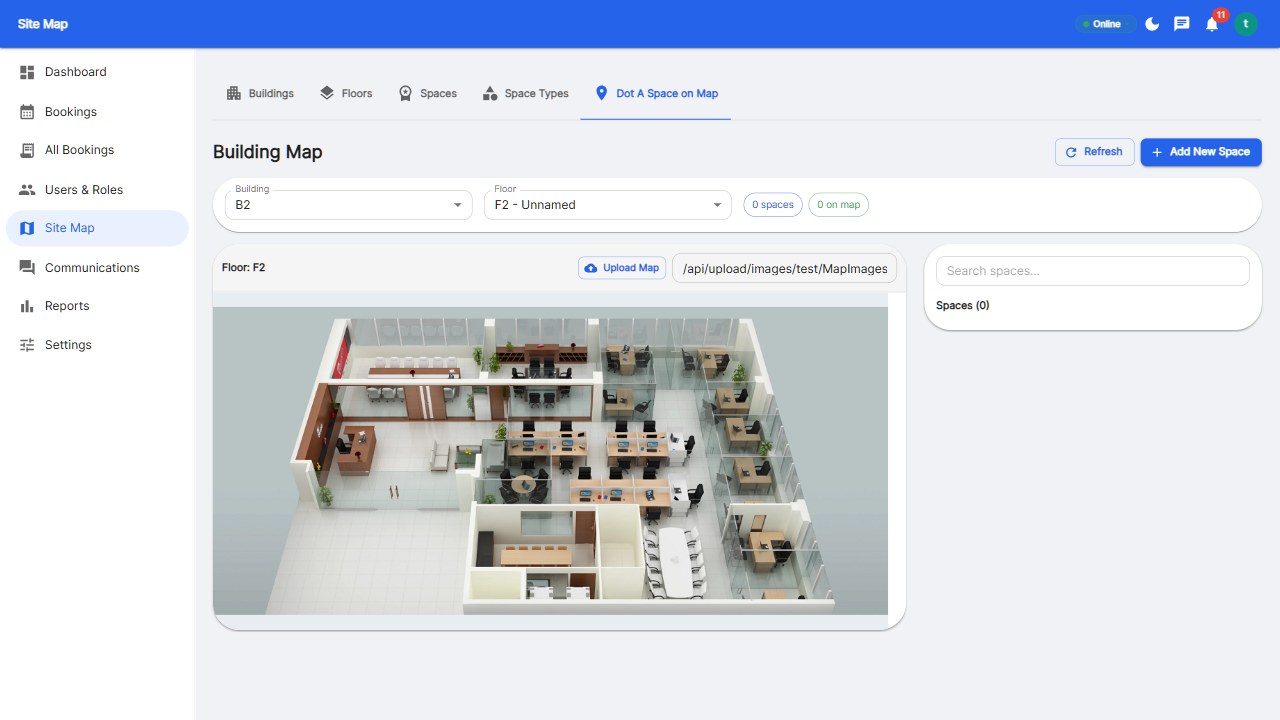
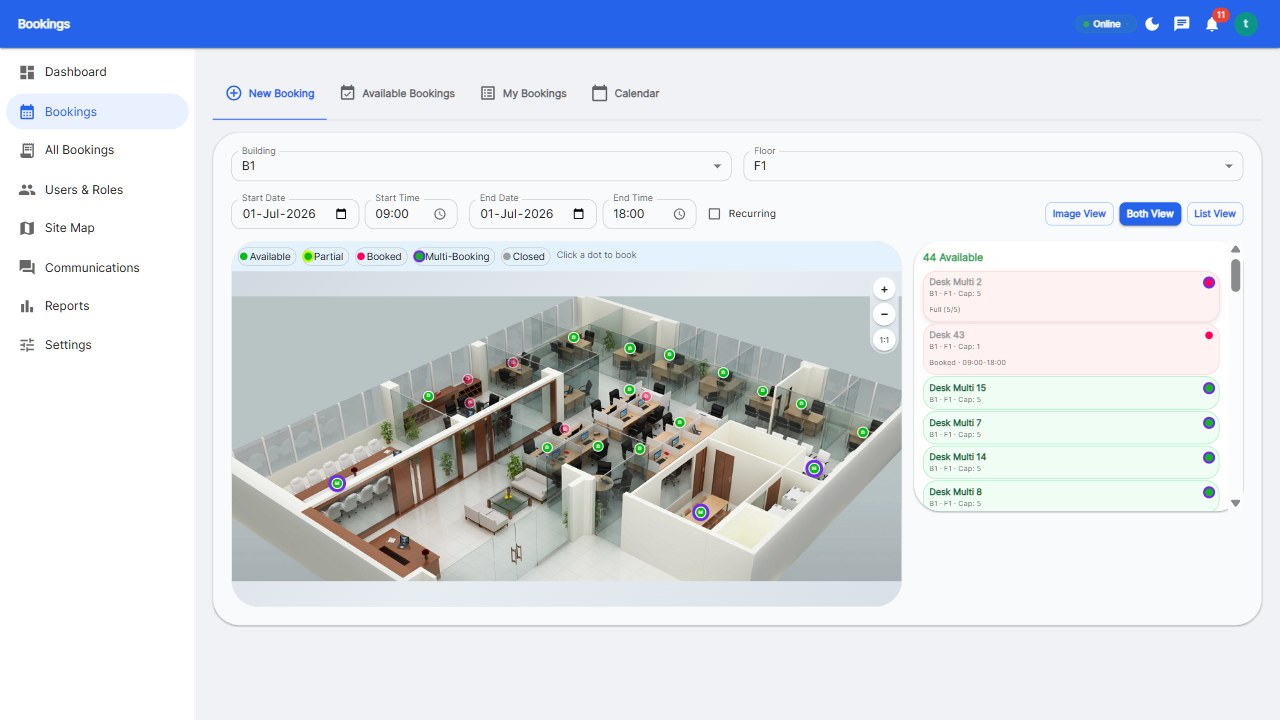
An integrated platform manages both with one login, one floor plan, and one set of rules. Reservete treats desks, rooms, and parking spots as space types within a single system, each with its own booking rules, check-in policies, and reporting. That unified model is what makes utilization analytics actually actionable - and it is the model every serious 2026 buyer should look for.
Prices mirror the desk booking market: focused tools like Reservete start at $49/month, while enterprise platforms like Robin or OfficeRnD start around $250-$350/month. Per-room or per-screen pricing models can get expensive fast - a 20-room office at $15 per screen per month adds $300/month before you book a single desk.
Ask three pricing questions before you commit: Is room booking included in the desk booking plan? How many rooms does my plan cover? Do display panels cost extra? The answers separate transparent vendors from the ones who will invoice you a surprise in month three.
For most organizations, a platform that includes rooms in the base plan - like Reservete - delivers the best economics, because meeting rooms and desks are two halves of one workspace puzzle.
Ghost meetings are the single biggest waste in room scheduling, and they are fixable in three steps. First, set a check-in window - typically 10-15 minutes - after which an unclaimed room is released. Second, configure auto-release and no-show expiry so released rooms return to availability instantly. Third, send automated reminders to bookers 30 minutes before the start time, so genuine attendees check in on time.
Teams typically cut no-shows by 40-60% within the first month of enforcement. The mechanism is social, not punitive: when everyone knows rooms return to the pool, people book honestly and check in promptly. Reservete's check-in rules automate the entire loop without any admin effort - set the window once and the system enforces it forever.
Launch quietly and fix friction fast. The first two weeks set the norm; after that, behavior compounds.
It's a tool that lets employees view real-time room availability, book rooms, and manage schedules - preventing conflicts and no-shows. Modern systems integrate with Google Calendar and Microsoft 365.
Yes. Reservete offers M365 calendar two-way sync, so room bookings appear in Outlook and Outlook meetings can be synced back into the system.
Focused tools start around $49/month for small teams. Enterprise platforms with hardware displays start at $250+/month. Flat plan pricing is usually more economical than per-screen pricing.
Enforce check-in: configure a 10-15 minute check-in window, auto-release unclaimed rooms, and send automated reminders. Most teams see no-shows drop by half within a month.
No - panels are optional hardware. Employees can book from phones and web, and live availability shows on your floor map. Panels add convenience at the door but are not required.
Bring every room under one booking system.
Start your free 30-day trial at Reservete.com - no credit card required, full access to every feature.
Start a 30-day free trial of Reservete — desk booking, meeting rooms, parking and analytics in one place. No credit card required.
Start free trial
Enterprise workspace management platform. Book desks, meeting rooms, and parking spots in seconds.
Get product updates and workspace tips.