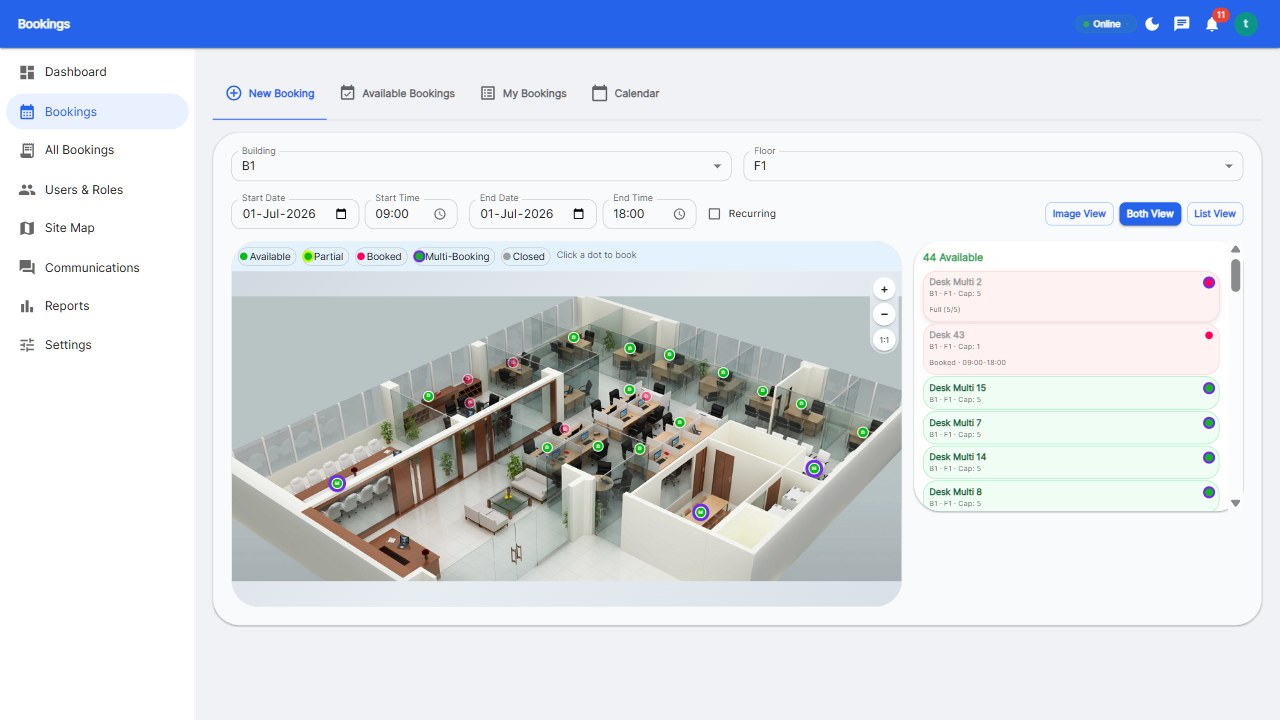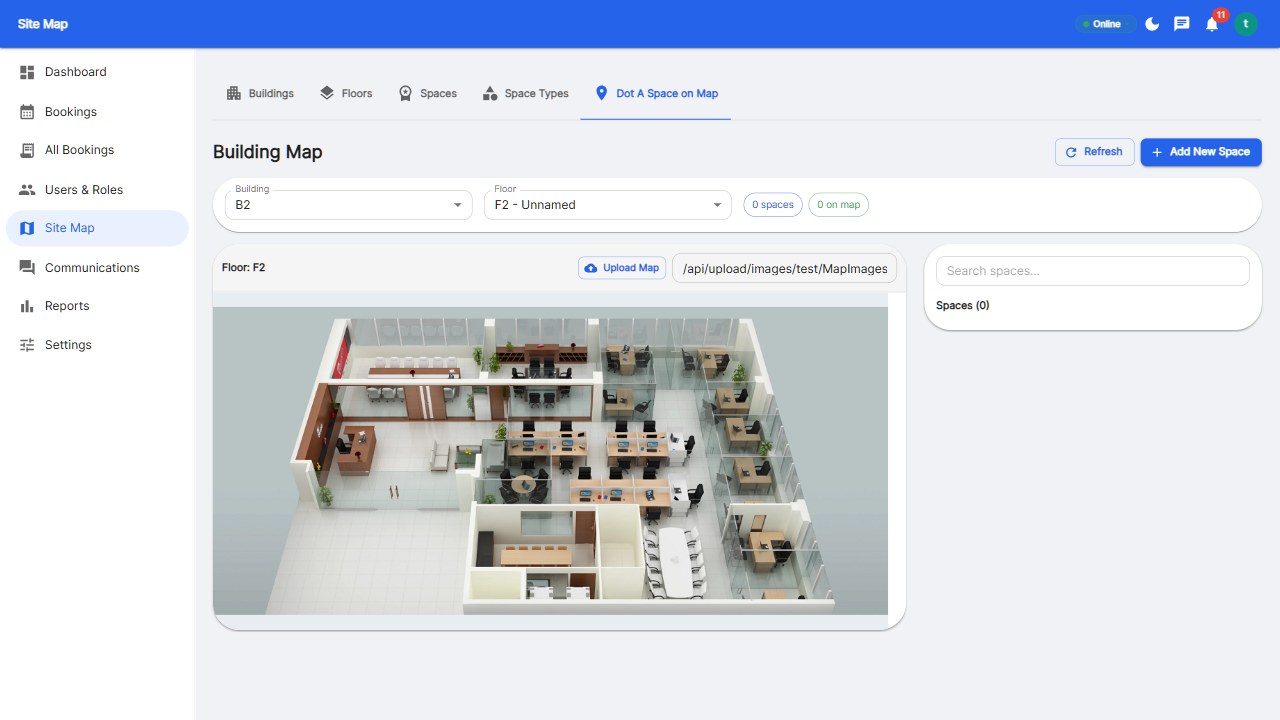
Meeting room booking displays come in three tiers: door panels (dedicated touchscreens outside rooms), web-kiosk mode (tablets running a booking interface), and signage screens (live availability at floor level). In 2026, the smartest setup is software-first: floor-map booking everywhere plus optional low-cost tablets at high-traffic rooms - not a hardware fleet that costs per room per month.
| Type | Cost | Best for |
|---|---|---|
| Dedicated door panels | $300-$900 + $15-30/mo per panel | Executive floors, high-stakes rooms |
| Tablets in kiosk mode | Cost of the tablet only | Busy rooms, budget-conscious offices |
| Floor signage screens | $500-$2,000 per screen | Wayfinding, open areas |
Hardware vendors monetize every panel: per-screen monthly fees that multiply across rooms. A 20-room floor at $20/panel/month is $400/month before a single booking. Software-first platforms let employees book from phones and show availability on the floor map - no panel required.
Under 10 rooms: skip displays entirely, book from phones. 10-30 rooms: add tablets to busy rooms. Executive or client-facing rooms: consider premium panels. Above that, measure before you buy - utilization reports will tell you which rooms justify hardware.
No - employees book from phones and web, and availability shows on the floor map. Displays add convenience at the door but are optional hardware.
Dedicated panels run $300-$900 each plus monthly per-panel fees; tablets in kiosk mode cost only the hardware. A software-first approach can cost zero in displays.
A tablet running the booking interface outside a room - walk up, see availability, book or start a meeting. It delivers 80% of panel value at a fraction of the cost.
Book software-first; add hardware where it earns its place.
Start your free 30-day trial at Reservete.com - no credit card required, full access to every feature.
Start a 30-day free trial of Reservete — desk booking, meeting rooms, parking and analytics in one place. No credit card required.
Start free trial
Enterprise workspace management platform. Book desks, meeting rooms, and parking spots in seconds.
Get product updates and workspace tips.