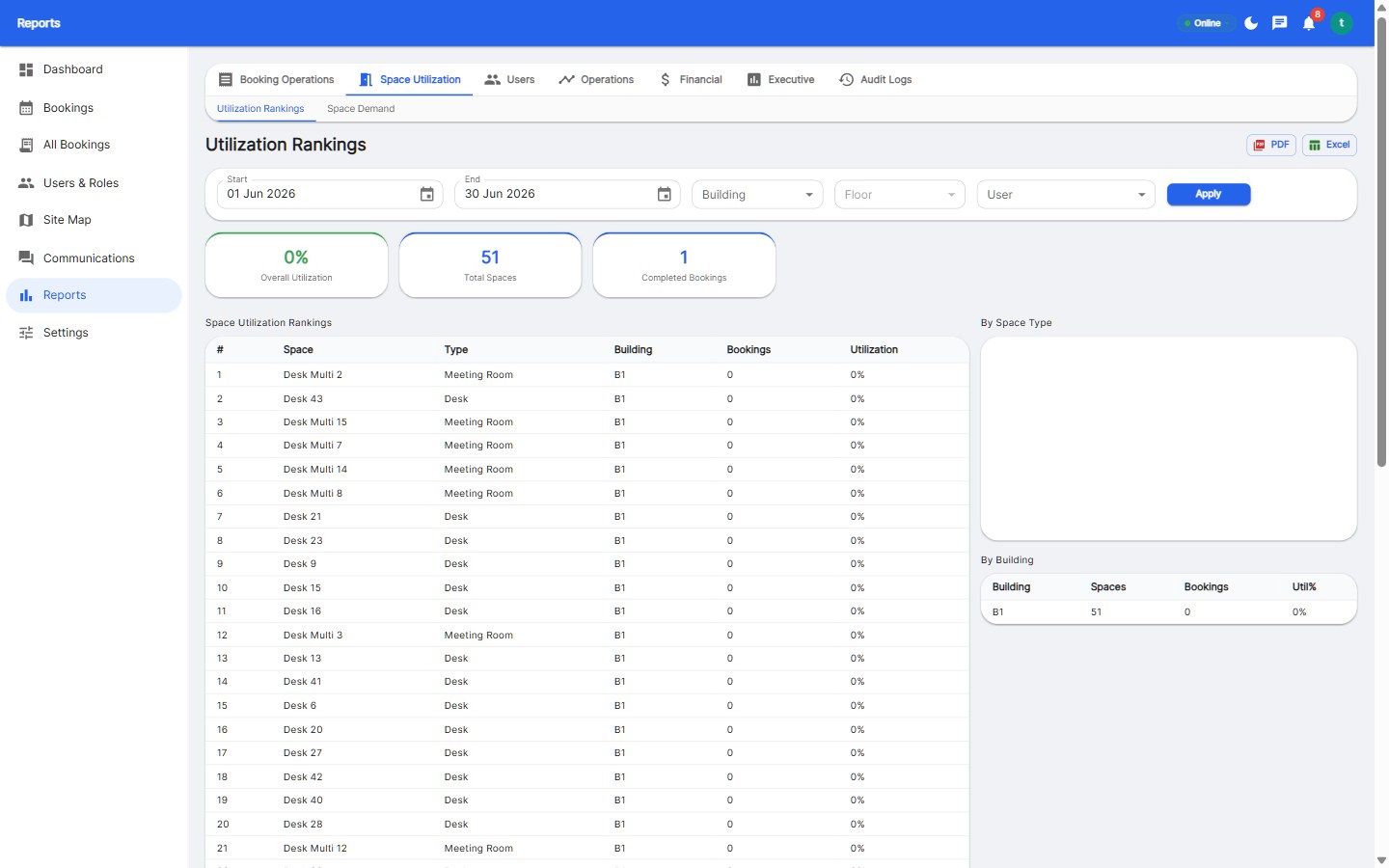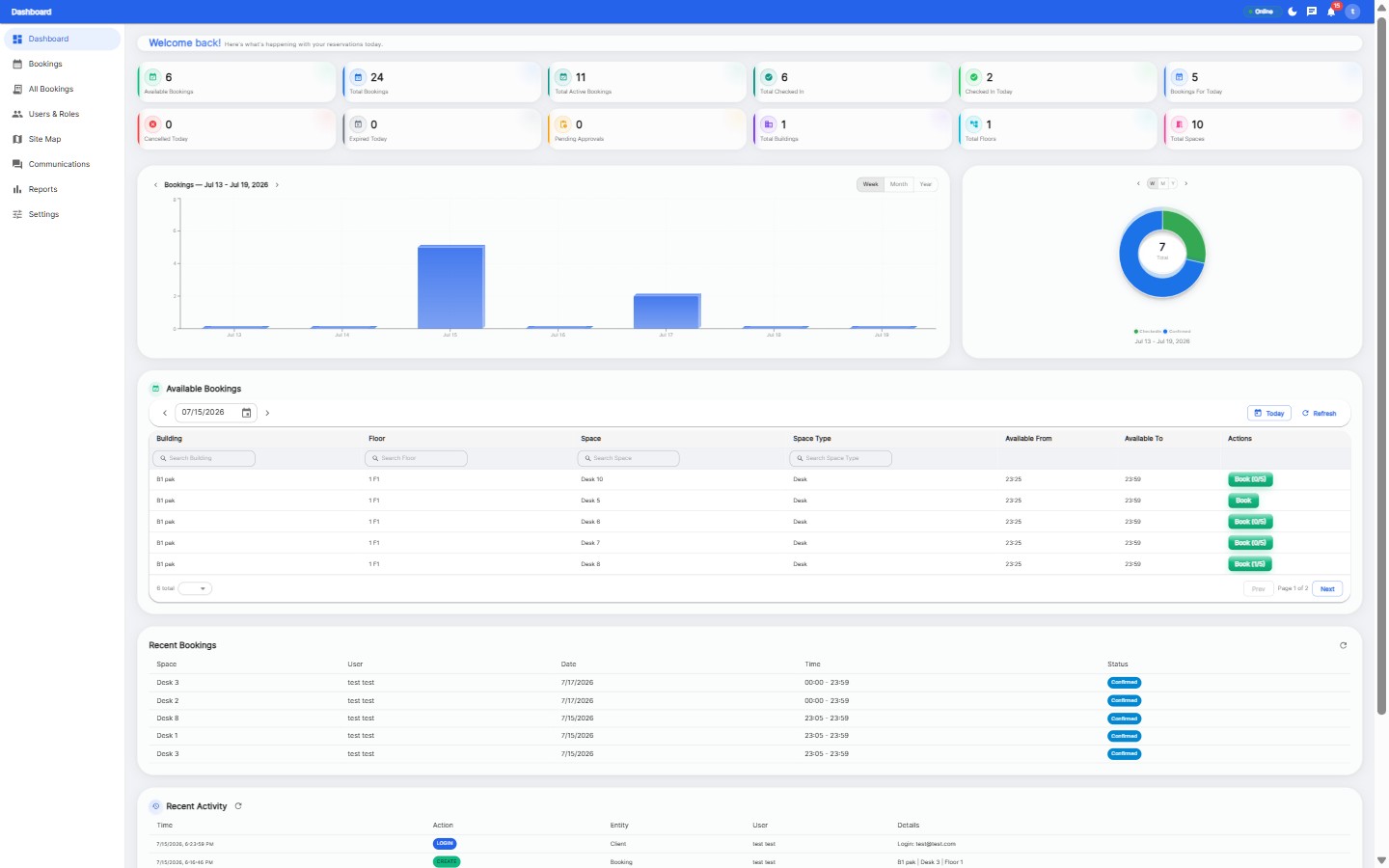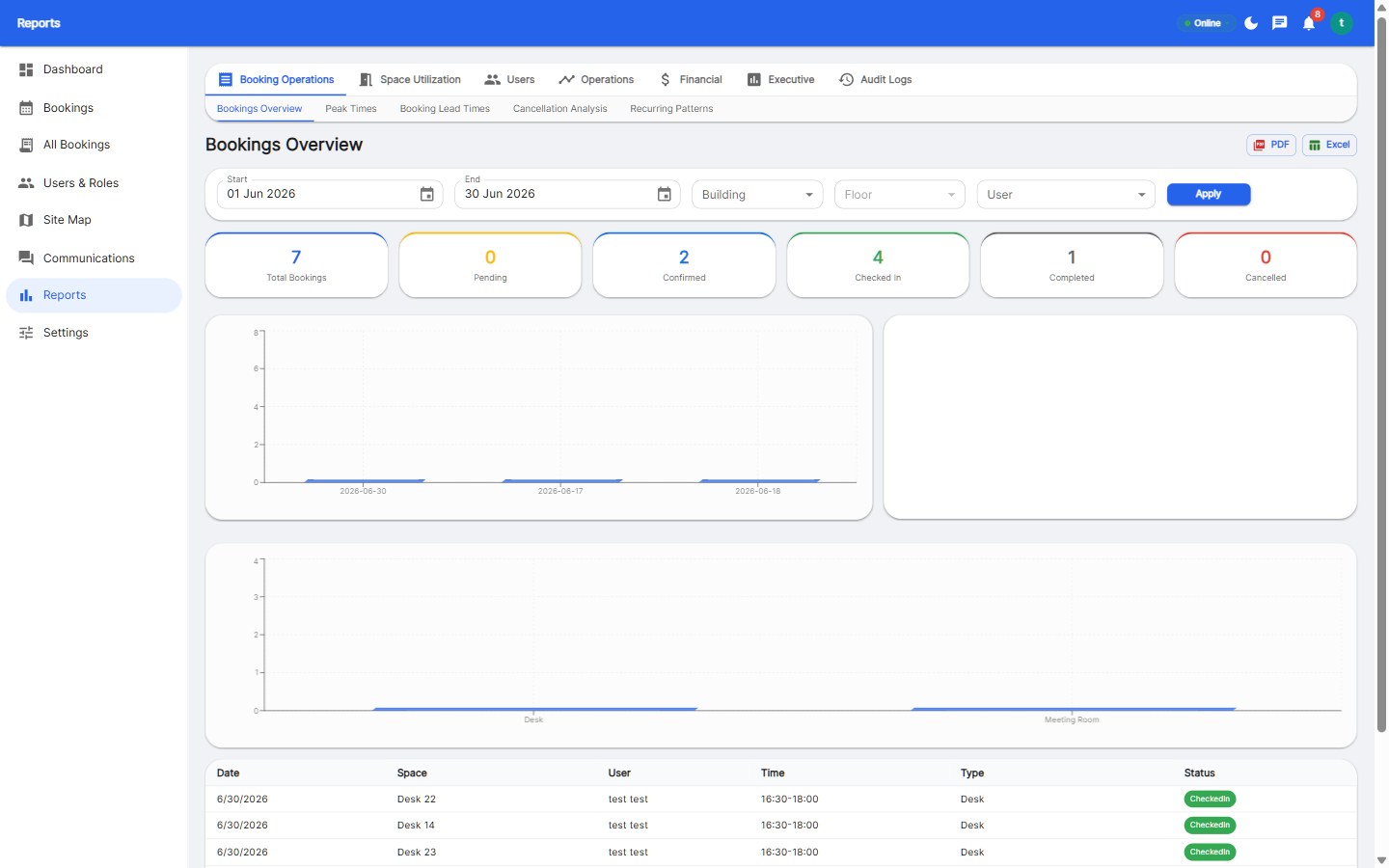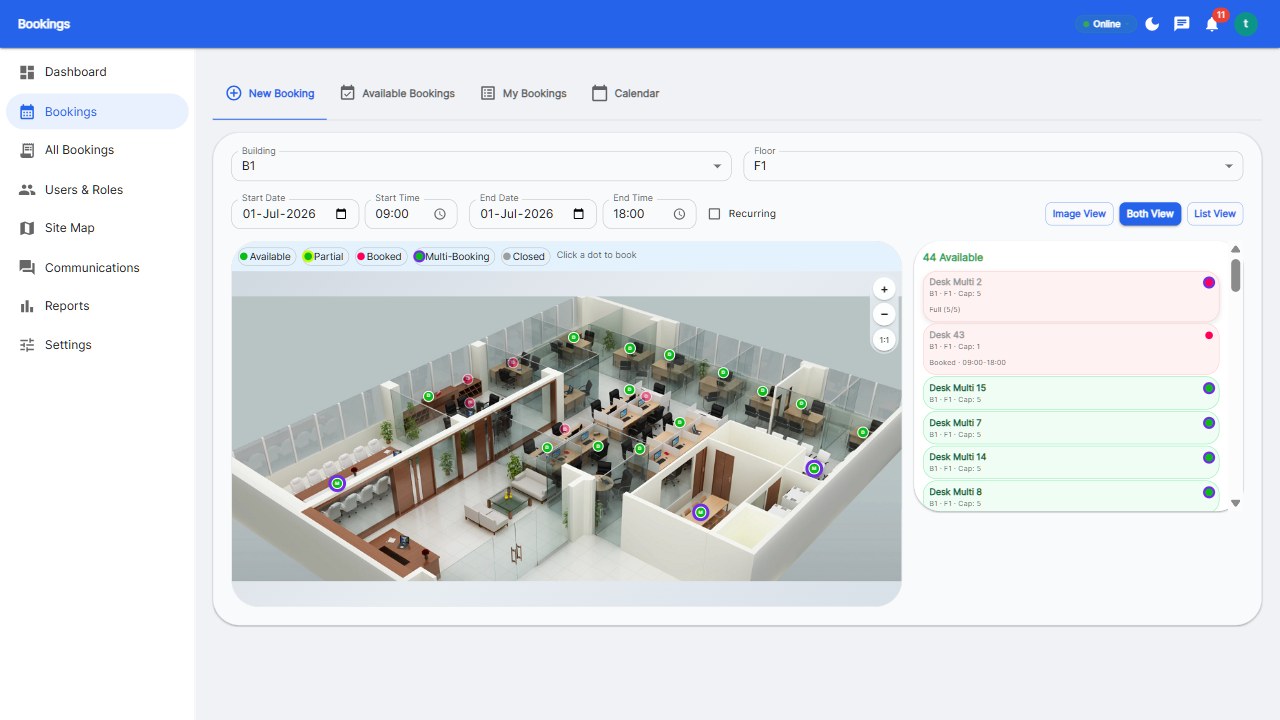
A hybrid work schedule template tracks which employees are in the office on which days. The best templates combine an Excel/Google Sheets roster (for planning) with a desk booking platform (for execution) - the sheet decides who's in, the software makes it real with booked desks, check-in, and live availability.
| Column | Purpose |
|---|---|
| Employee | Name and team |
| Role type | Fixed desk / hybrid / remote |
| Anchor days | Committed in-office days |
| Mon-Fri columns | In office (I) / Remote (R) / PTO (P) |
| Desk preference | Zone or desk type |
| Notes | Exceptions and requests |
A schedule template is a plan; a booking system is the plan made real. Sheets can't prevent two people reserving the same desk, can't check people in, can't release no-shows, and can't report utilization. Teams that run sheets-only eventually hit double bookings and abandon the sheet.
For planning anchors, yes. For execution - real bookings, check-in, no-show release - you need booking software. Combine both for the best result.
List employees, mark role types, set anchor days, and fill weekly I/R/P cells. Publish it, then let booking software handle the operational layer.
Employee, team, role type, anchor days, per-day status (office/remote/PTO), desk preference, and notes. Keep it one sheet, color-coded.
Plan in the sheet, execute in the platform.
Start your free 30-day trial at Reservete.com - no credit card required, full access to every feature.

Enterprise workspace management platform. Book desks, meeting rooms, and parking spots in seconds.
Get product updates and workspace tips.