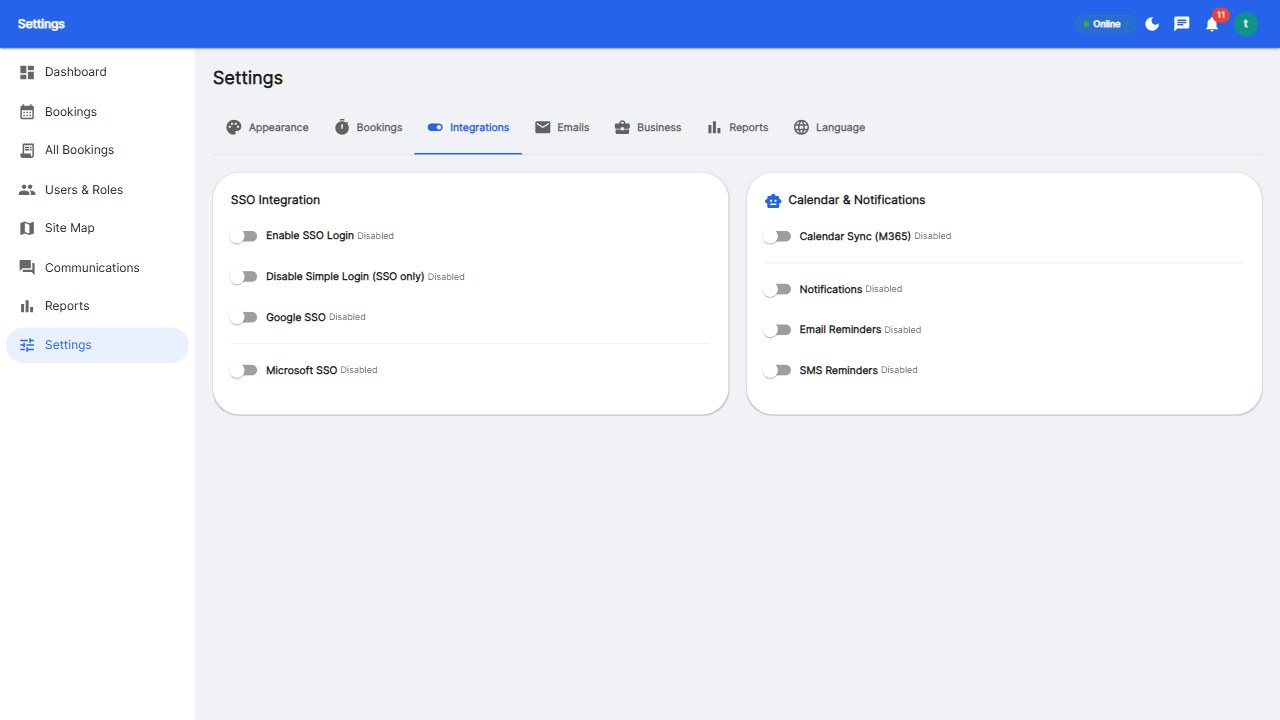
Desk booking integrates with Slack and Microsoft Teams in three ways: single sign-on (book with your work identity), notifications (booking confirmations and reminders arrive in your chat), and embedded booking (book a desk from a Slack command or Teams tab). The complete setup combines SSO, calendar sync, and notification feeds so booking lives inside the workflow - not beside it.
SSO with Google or Microsoft Entra ID means employees sign in to the booking platform with their work account - no new passwords, and IT keeps central control including SSO-only mode.
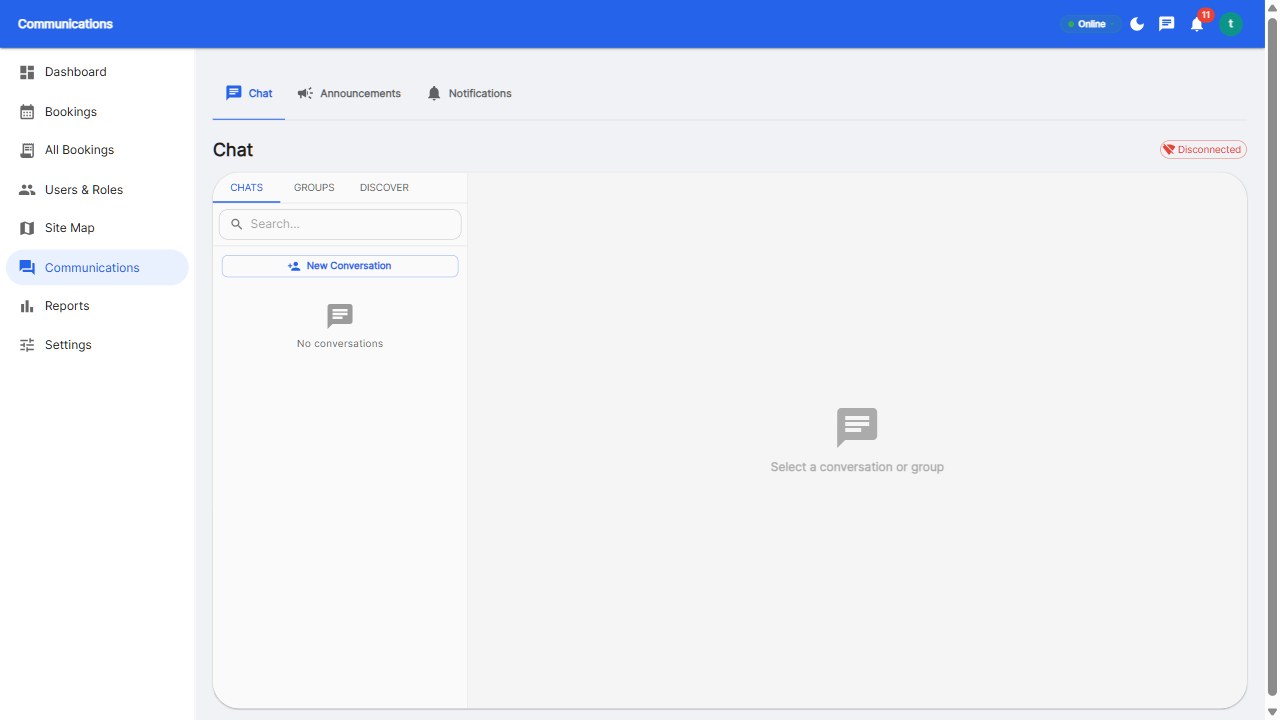
Booking confirmations, check-in reminders, and no-show alerts flow into Slack or Teams. Employees get notified where they already work, which drives adoption without training.
Power users book from a Slack command (/desk 4th-floor-window) or a Teams tab - full floor map, live availability, and confirmation without leaving the chat app. This is the deepest integration level and the one to verify during trials.
Employees adopt tools that live inside their workflow. A booking platform integrated with Slack and Teams removes the 'open another app' barrier - the single biggest adoption killer. Teams using integrated booking report 20-30% higher adoption than those with standalone tools.
Reservete supports SSO (Google and Microsoft), M365 calendar two-way sync, and notification integration with your chat stack - the full integration package in the Professional plan.
Yes - platforms with Slack integration support booking commands and notifications. Verify the integration depth during your trial.
Yes - via integrated platforms: Teams SSO, a booking tab, and M365 calendar sync so bookings appear in Outlook. Check whether the tab experience is included.
No - good platforms support both. Employees use whichever chat app their team runs, with the same booking data underneath.
Adoption. Booking inside the workflow removes the 'open another app' barrier, typically lifting adoption 20-30%.
Put booking where your team already works.
Start your free 30-day trial at Reservete.com - no credit card required, full access to every feature.

Enterprise workspace management platform. Book desks, meeting rooms, and parking spots in seconds.
Get product updates and workspace tips.