Reservete
Reservete
Back to Blog
Product
Tips
Hybrid Work

Google Workspace Desk Booking Integration: The Complete Guide

System Administrator

Thursday, August 13, 2026
How to integrate desk booking software with Google Workspace. Book desks from Gmail and Calendar, sync with Google Calendar, use Google SSO, and coordinate hybrid schedules across your Google-based organization.

Why Integrate Desk Booking with Google Workspace

Millions of organizations run on Google Workspace — Gmail, Google Calendar, Google Drive, and Google Meet. For these teams, a desk booking system that does not integrate with Google creates friction: employees must switch between their Google calendar (where their meetings are) and a separate booking tool (where their desk is). A Google Workspace desk booking integration unifies these experiences, making desk booking as natural as scheduling a meeting.

What Google Workspace Integration Should Include

1. Google SSO (Single Sign-On)

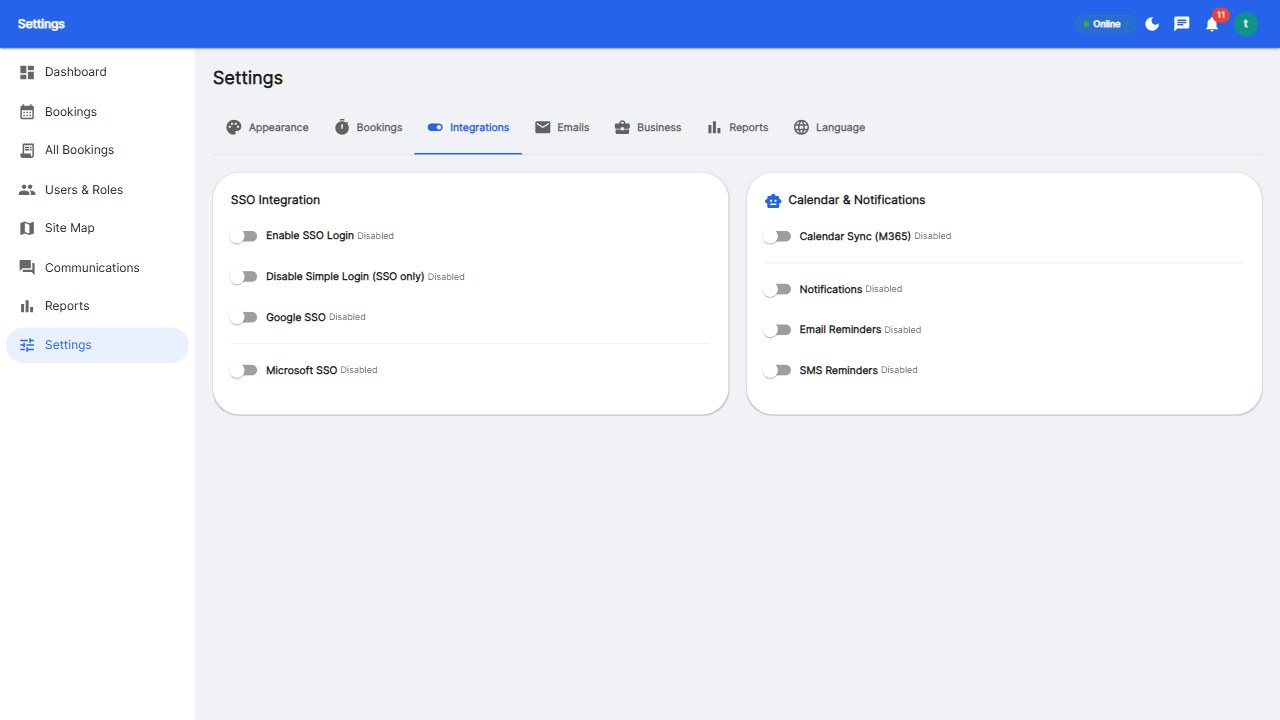
The foundation of any Google Workspace integration is SSO. Employees sign into the desk booking platform with their Google account — no separate username and password to remember. This also gives IT: automatic user provisioning (new Google Workspace users automatically get desk booking accounts), automatic de-provisioning (departed employees lose access immediately), and centralized access management (IT controls desk booking access through the Google Admin console).

2. Google Calendar Two-Way Sync

The most important integration feature: your desk bookings should appear in Google Calendar, and your Google Calendar events should inform your desk bookings. Specifically: when you book a desk, it appears in your Google Calendar as an event (so colleagues can see when you are in the office), when you book a meeting room in Google Calendar, it is marked as occupied in the desk booking system, and when someone invites you to a meeting, the desk booking system can suggest booking a desk for that day. This two-way sync eliminates double-booking and keeps everything in one calendar view.

3. Gmail Booking Actions

Some advanced integrations add booking capabilities directly to Gmail. For example, when you receive a meeting invite from a colleague, you can see a 'Book a desk for this day' action in Gmail. Or when you confirm a trip to the office, Gmail suggests booking your regular desk. These context-aware suggestions dramatically improve adoption by placing booking where employees already are.

4. Google Meet Integration

If your desk booking platform includes meeting room scheduling, it should integrate with Google Meet: when a meeting room is booked, a Google Meet link is automatically generated, room booking details include the Meet link so remote participants can join, and room display systems can show 'Join via Meet' QR codes. This is essential for hybrid meetings where some attendees are in the room and others are remote.

5. Google Directory Sync

For large organizations, manual user management is impractical. Google Workspace integration should include directory sync: departments and team structures from Google Directory are mirrored into the desk booking system, enabling neighborhood seating (where teams sit together) and team-day coordination based on your Google Groups.

How to Set Up Google Workspace Integration

Here is the typical setup process for IT administrators:

  1. Create a Google Cloud project: Log into the Google Cloud Console and create a project for your desk booking platform.
  2. Configure OAuth consent screen: Set up the OAuth 2.0 consent screen with your app name, support email, and scopes. Request scopes: Calendar read/write, user profile, directory read (for user sync).
  3. Create OAuth credentials: Generate an OAuth 2.0 client ID and secret. Configure the authorized redirect URI for the desk booking platform.
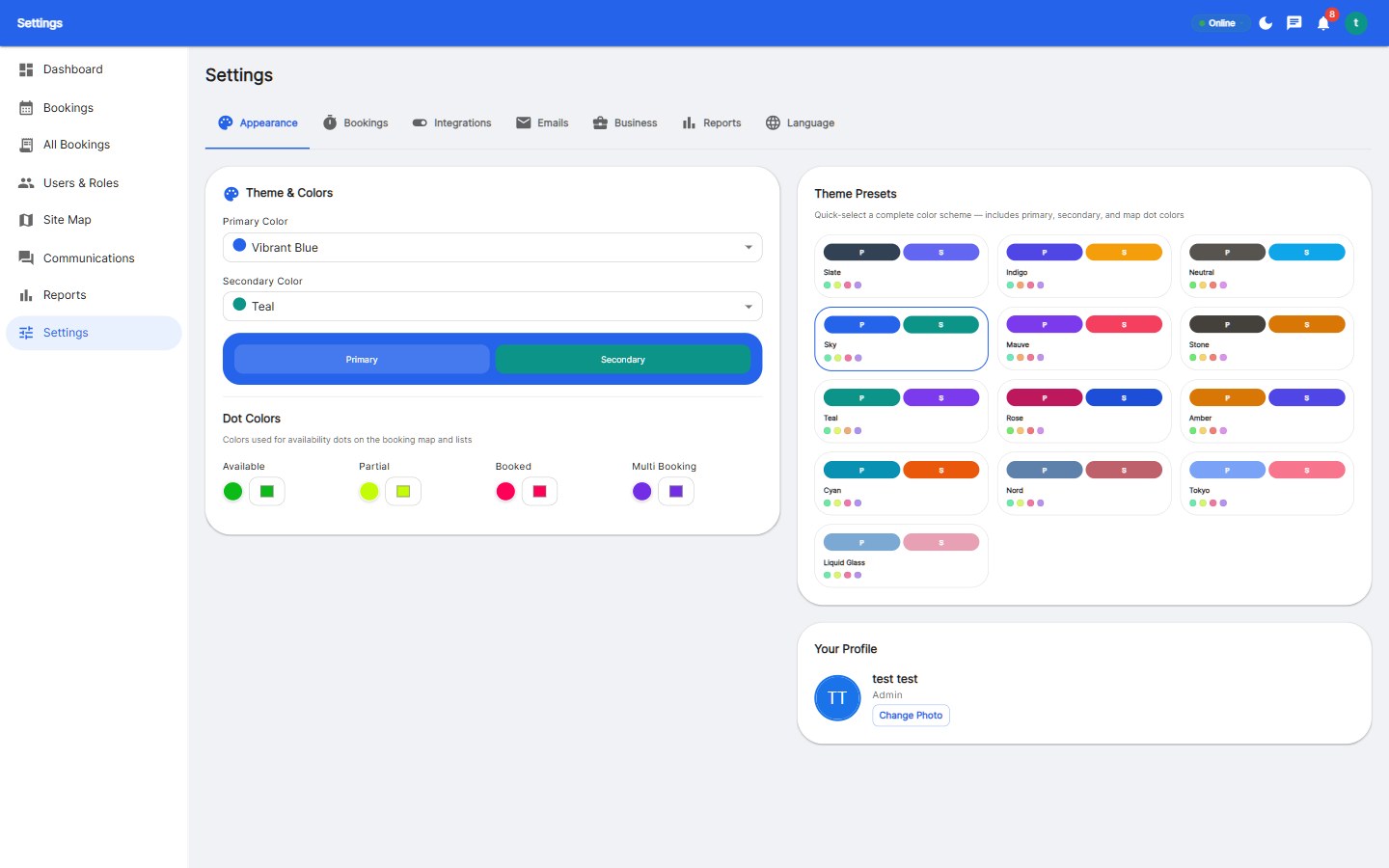
  4. Configure SSO in the booking platform: Enter the Google client ID and secret into the desk booking platform's admin settings. Enable 'Login with Google' for your organization.
  5. Set up calendar sync: Configure the booking platform to create calendar events when desks are booked. Choose the calendar naming convention (e.g., 'Desk: B12') and the sync direction (one-way or two-way).
  6. Enable directory sync: Connect the booking platform to your Google Directory to import users, departments, and team structures. Configure automatic sync intervals (typically every few hours).
  7. Test and deploy: Run a pilot with one department. Verify SSO, calendar sync, and directory sync all work. Then roll out to the full organization.

Google Workspace vs Microsoft 365

If your organization uses Google Workspace, choose a desk booking platform with first-class Google support. Many platforms prioritize Microsoft 365 (because of its enterprise market share) and treat Google as an afterthought. Key differences to check:

FeatureGoogle Workspace SupportMicrosoft 365 Support
SSOOAuth 2.0 / OpenID ConnectAzure AD / Entra ID
Calendar syncGoogle Calendar APIMicrosoft Graph
Meeting integrationGoogle MeetMicrosoft Teams
DirectoryGoogle DirectoryAzure AD Groups

The best platforms support both equally. Reservete supports Google Workspace SSO and calendar sync alongside Microsoft 365 — so you can use whichever your organization runs on.

Benefits of Google Workspace Desk Booking

  • Higher adoption: Employees are more likely to use desk booking when it is integrated with tools they already use daily (Gmail, Calendar).
  • Better visibility: Desk bookings appear in Google Calendar, so colleagues know who is in the office and can coordinate days.
  • Reduced IT overhead: Google SSO eliminates password resets. Directory sync automates user provisioning and de-provisioning.
  • Unified scheduling: One calendar view for meetings, desks, and rooms — no more checking multiple tools.

Get Started

Reservete supports Google Workspace SSO and Google Calendar two-way sync out of the box. Start your 30-day free trial and set up your Google integration in under an hour — no credit card required.

Product
Tips
Hybrid Work
Back to Blog
Reservete
Reservete

Enterprise workspace management platform. Book desks, meeting rooms, and parking spots in seconds.

Product

Features

Pricing

Compare

ROI Calculator

Stay up to date

Get product updates and workspace tips.

© 2026 Reservete. All rights reserved.