A desk no-show is a reservation that is never used. Industry benchmarks put desk no-shows between 15% and 30%, which means a 400-desk office can be paying for 60 to 120 desks that were booked but sat empty on any given day.
At roughly $18,000 per desk per year, a persistent 20% no-show rate on 400 desks represents about $1.4 million of space that is reserved but unused across a year. Most of that is recoverable — not by policing people, but by designing a system where releasing an unwanted desk is easier than keeping it.
You cannot reduce what you do not measure. Before changing any policy, establish three numbers for two to four weeks:
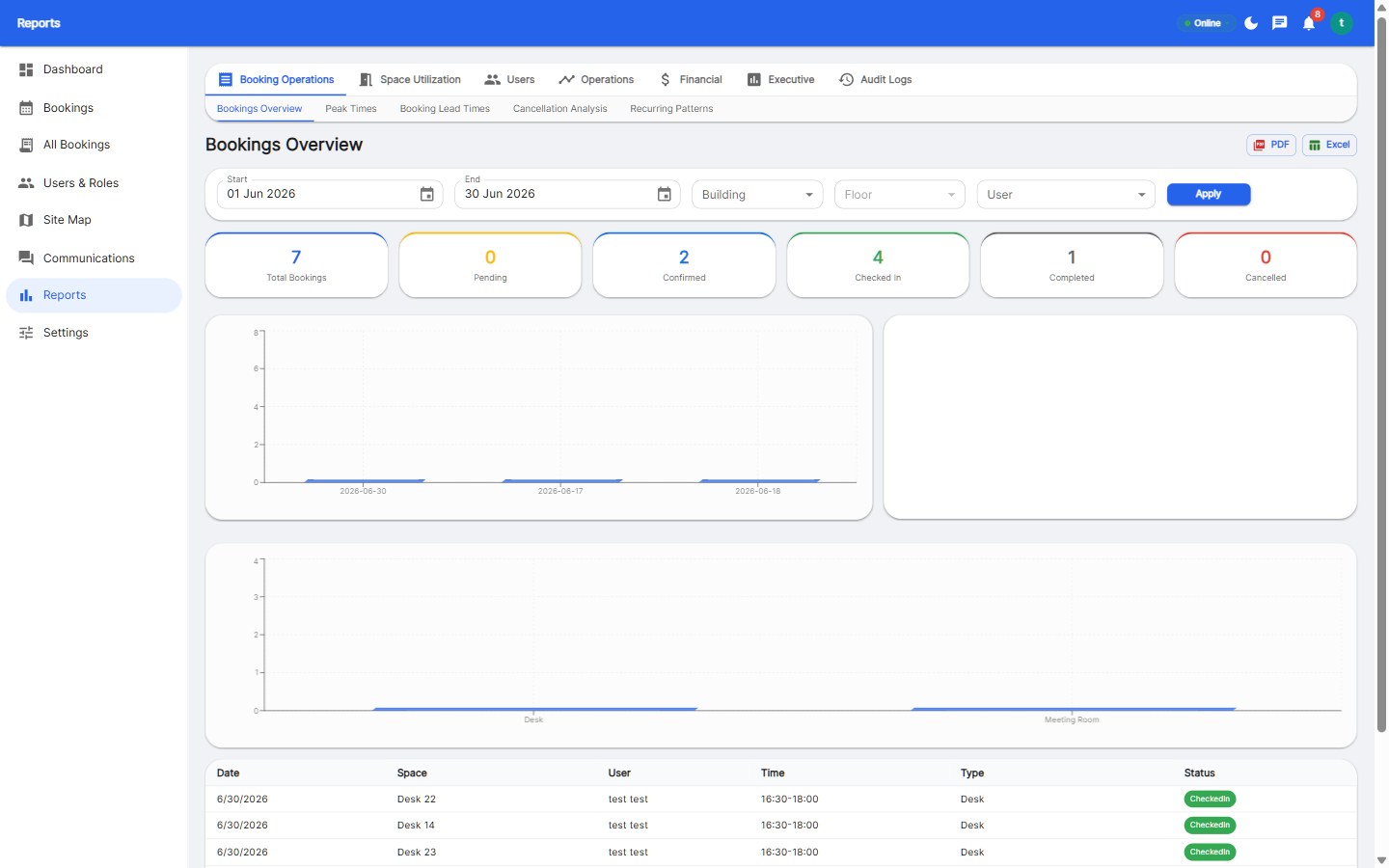
Booking software gives you these directly. If you are still on spreadsheets, you are guessing at the denominator, which usually means the problem is understated.
Auto-release is the single most effective lever. Configure it so that a booked desk must be checked in to within a grace period, or it returns to the pool.
Teams that switch on measured auto-release typically cut no-shows by roughly half within the first month, because the cost of accidentally losing a desk is immediate and visible.
No-shows are usually a UX problem, not a discipline problem. Remove the reasons people hoard desks:
Not all no-shows are the same. Track them separately, because the fixes differ:
| Cause | Symptom | Fix |
|---|---|---|
| Plans changed | No check-in, no cancellation | Evening nudge + one-tap cancel |
| Meeting moved | Desk booked, person in a room all day | Link room bookings to desk bookings |
| Team sat elsewhere | Checked in, different floor | Zones and neighbourhoods per team |
| Speculative booking | Multiple days booked, one used | Weekly booking limits |
| Ghost bookings | Booked by someone who never travels in | Approval or manager visibility |
Review no-show rate monthly alongside utilization. Share the trend with team leads rather than as a compliance report — the goal is to make the office predictable, not to catch people out. Two numbers worth putting on the wall:
These two move together. As no-shows fall, the space you already have absorbs more demand, and the pressure to lease more space disappears.
A healthy hybrid office in 2026 typically runs a 15% or lower no-show rate, releases unclaimed desks automatically within 30 minutes, and lets employees book or cancel in a single tap. The 2026 benchmark data on utilization, no-shows and anchor days is in our hybrid office benchmark report, and you can model the savings from reducing no-shows with our ROI calculator.
Benchmarks sit between 15% and 30%. Anything above 20% is worth a focused project; under 10% is considered strong for a hybrid office.
Rarely, if check-in is one tap and the release notification includes a rebook option. Friction comes from slow check-in and unclear rules, not from the rule itself.
Most teams see a meaningful drop within two to four weeks of enabling check-in and auto-release, with the biggest gains in the first month.
It is rarely necessary. Transparent data plus easy cancellation usually changes behaviour without penalties, and punitive policies tend to push booking underground.

Enterprise workspace management platform. Book desks, meeting rooms, and parking spots in seconds.
Get product updates and workspace tips.