A good hot desking policy has six sections: purpose and scope, who can book and when, booking and check-in rules, desk etiquette, exceptions (fixed desks), and no-show consequences. Write it in one page, publish it where employees will see it, and let the booking system enforce the rules automatically.
Most hot desking policies fail because they are documents - PDFs nobody reads, enforced by managers nobody asks. The policies that work are the ones encoded in the booking system: booking windows, check-in requirements, and auto-release are enforced by software, consistently and without office politics.
Use the document to set intent and expectations, and use the tool to enforce mechanics. A policy without enforcement is a suggestion; a policy with enforcement is a system.
This division also protects managers. Instead of personally policing no-shows or settling disputes over 'my desk,' managers point to the system's rules - which apply to everyone identically. The policy becomes frictionless because it stopped being personal.
1. Purpose & scope: why the office uses hot desking (flexibility, collaboration, efficient space use) and who it applies to (all employees, excluding listed fixed-desk roles).
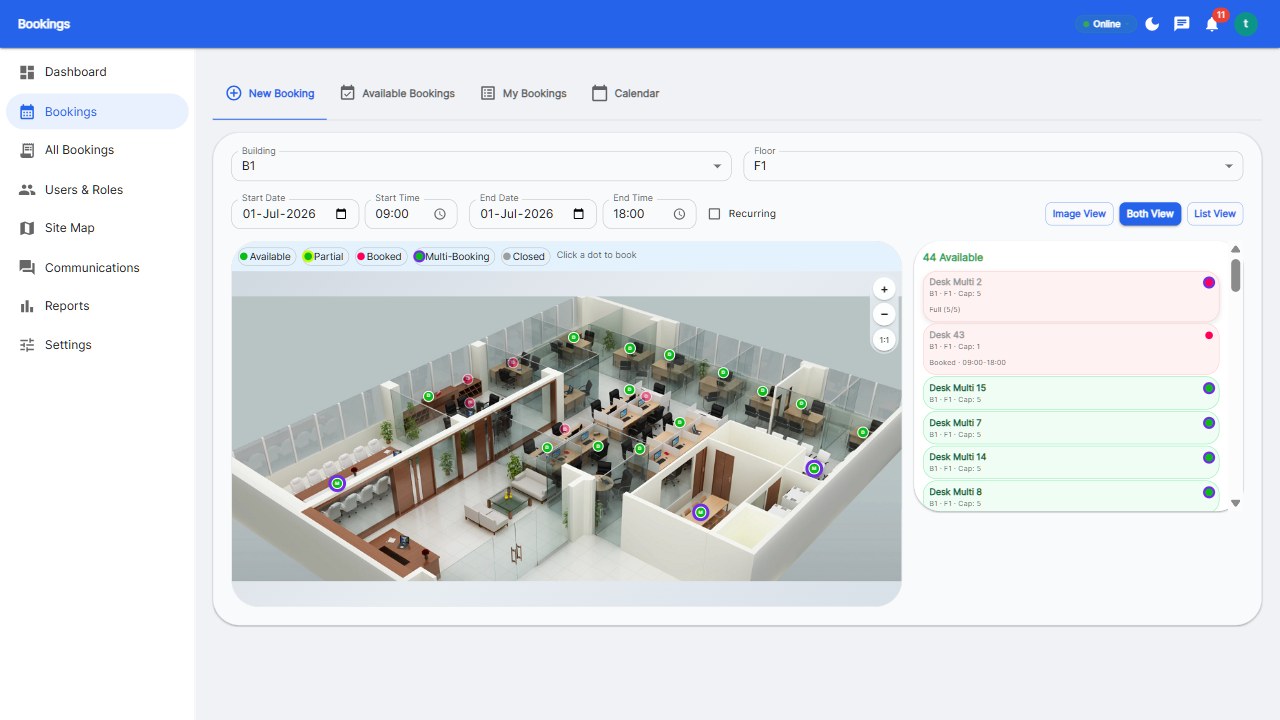
2. Booking rules: how far ahead bookings open (1 week), minimum booking duration, release timing (2 hours before), and where to book (mobile app or web).
3. Check-in & no-shows: check-in required within 15 minutes; no-show desks auto-release to the pool; repeated no-shows lose advance-booking privileges for a defined period.
4. Desk etiquette: leave the desk clean, remove personal items daily, take calls in call rooms, and respect quiet-zone signage.
5. Exceptions: fixed desks for accessibility needs, sensitive-data roles, and executive functions - approved through a defined request process.
6. Consequences & review: how violations are handled (system warnings, then manager conversation) and the policy review cadence (quarterly).
Keep the whole thing to one page. If it runs longer, the enforcement belongs in the software, not the document.
The lockers point deserves emphasis: hot desking fails when employees have nowhere to store the things that used to live in their drawer. A locker per floating employee is the cheapest adoption investment you can make.
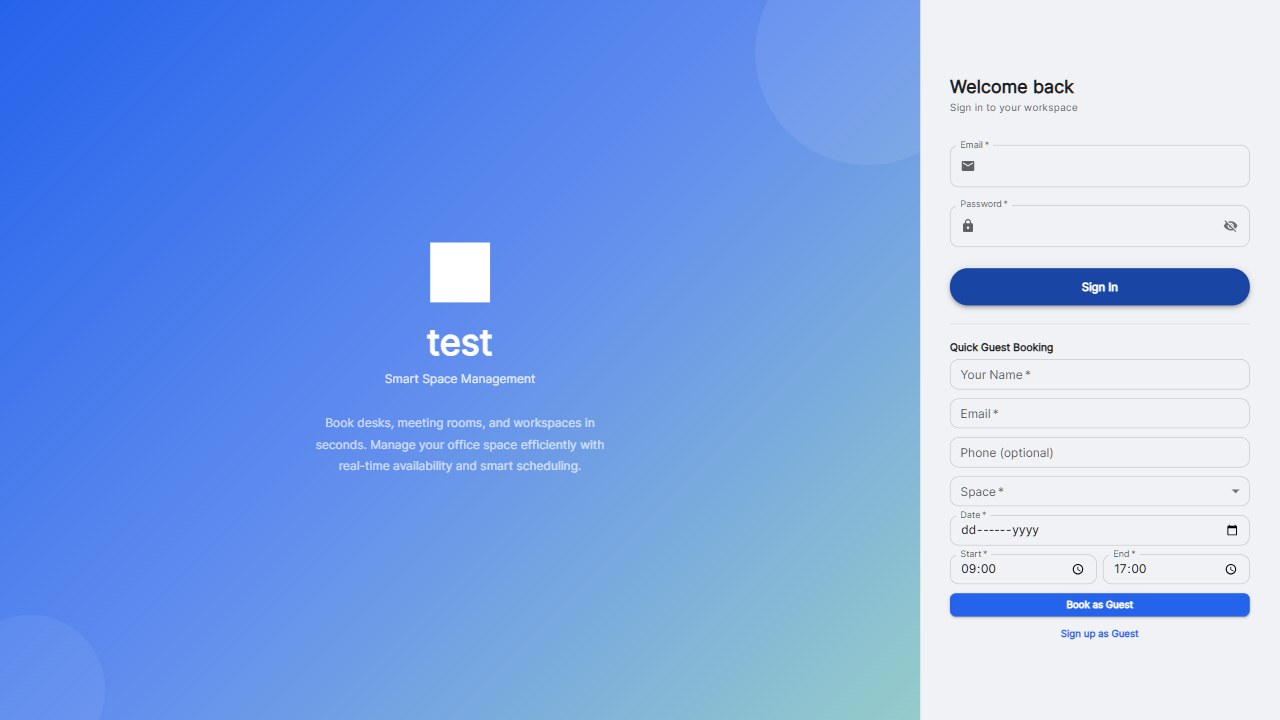
Configure the booking system to enforce everything mechanical: booking windows, check-in windows, no-show expiry, and fairness caps. Then the policy document only needs to explain intent and etiquette - the parts only humans can govern. That split is the secret to durable hot desking.
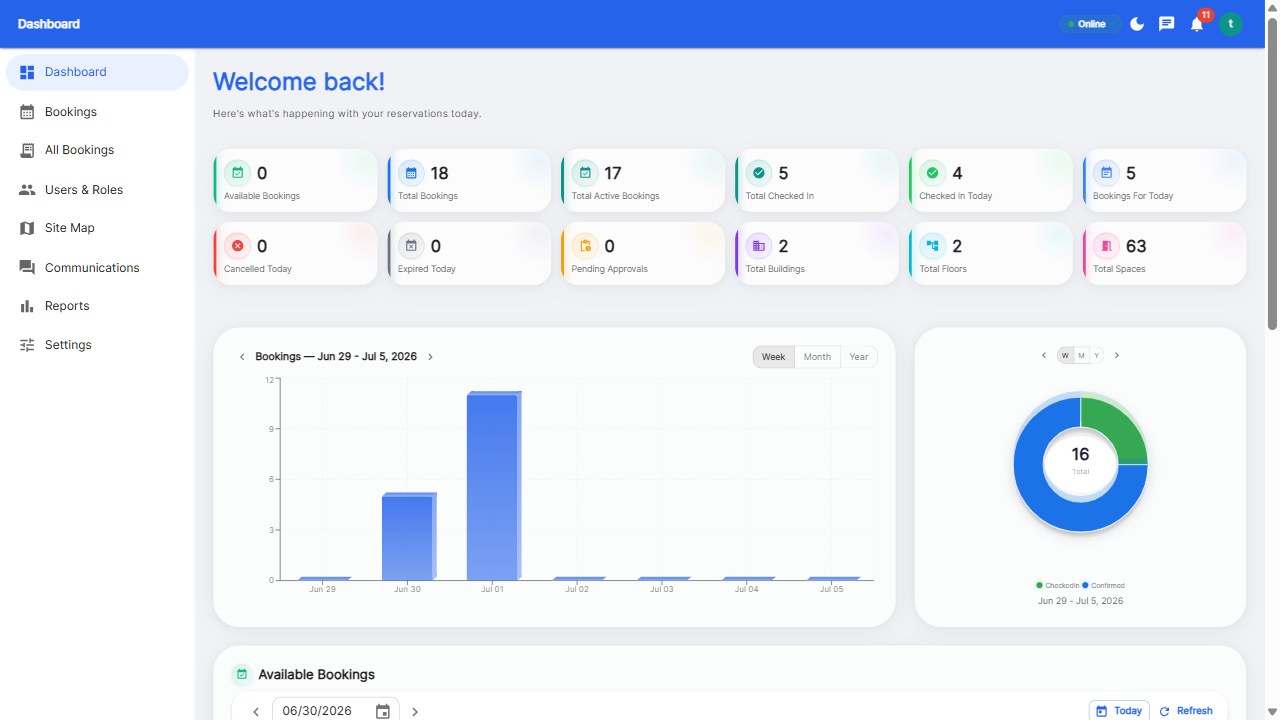
Schedule the enforcement review into your calendar: 30 days after launch, read the utilization and no-show reports, adjust the rules, and publish what changed. Policies that iterate survive; policies that ossify get abandoned.
Six sections: purpose and scope, booking rules, check-in and no-show rules, desk etiquette, fixed-desk exceptions, and consequences plus review cadence. Keep it to one page.
Automate it: require check-in within 15 minutes, auto-release unclaimed desks, and temporarily restrict advance booking for repeat offenders. Teams typically see no-shows drop by half within a month.
Typically accessibility needs, sensitive-data roles, and executive functions. Publish the criteria and an approval process so exceptions feel fair.
Quarterly reviews with utilization data are ideal - adjust desk counts, booking windows, and zones based on what the analytics show.
Build the policy, let software enforce it.
Start your free 30-day trial at Reservete.com - no credit card required, full access to every feature.

Enterprise workspace management platform. Book desks, meeting rooms, and parking spots in seconds.
Get product updates and workspace tips.