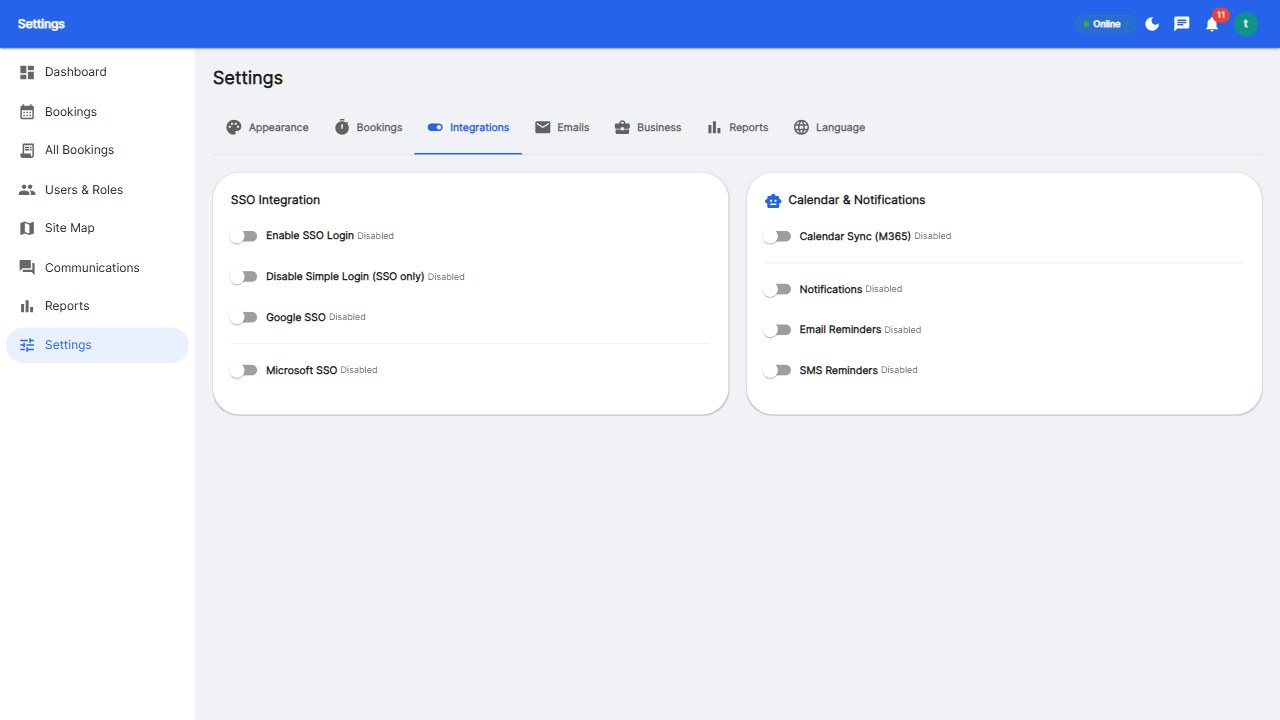
A Google Workspace desk booking integration connects your booking platform to Google's ecosystem: Google SSO for login, Google Calendar for two-way sync (desk bookings appear as events), and Google Meet for room video calls. The complete 2026 setup: enable SSO, connect Calendar sync, invite the team, and let bookings flow into everyone's calendar automatically.
Three separate integrations get bundled under one label: SSO (employees sign in with their Google account), Calendar sync (desk and room bookings appear in Google Calendar; Google Calendar meetings can claim rooms), and Meet/Chat (conference room metadata feeds Google Meet). Confirm which ones a vendor actually supports before comparing.
Without sync, bookings live in a silo. With two-way sync, every desk booking appears as a calendar event, colleagues see your office days without opening the booking tool, and room bookings claim actual meeting rooms in Google Calendar - eliminating the 'booked here, available there' confusion.
Verify three things during the trial: SSO login actually works with your Google Workspace, calendar events appear within minutes of booking, and sync is genuinely two-way (calendar changes update bookings). Platforms like Reservete ship all three out of the box.
Yes - modern platforms offer two-way sync: desk bookings appear in Google Calendar, and calendar meetings can claim rooms. Verify during the trial that it works both ways.
Employees sign in with their Google Workspace account instead of a separate password - one less credential, one more security control (including SSO-only enforcement options).
Typically under an hour: OAuth setup, calendar connection, and a sync test. Reservete's integration is part of the Professional plan.
Connect booking to the calendar your team already lives in.
Start your free 30-day trial at Reservete.com - no credit card required, full access to every feature.

Enterprise workspace management platform. Book desks, meeting rooms, and parking spots in seconds.
Get product updates and workspace tips.