To choose the right desk booking software, score vendors against six criteria: core booking reliability, floor plan quality, integrations (SSO and calendar), analytics depth, mobile experience, and total cost. Shortlist 3-4 vendors, run each through a 30-day free trial with your real floor plan, and get live product feedback from employees before you commit.
Start by answering five questions. How many employees will book desks? Do you also need meeting rooms and parking spots? Do you require manager approval for certain bookings? Do you need SSO with Google or Microsoft? Who will administer the system day to day? Write the answers down - they become your evaluation scorecard and prevent scope creep during demos.
It is equally important to define what you do not need. A 40-person office does not need enterprise-grade RBAC with per-user permission overrides, dedicated account managers, or custom identity providers. Every extra requirement you carry into the evaluation narrows your options and inflates the price. Buy for the organization you are today and the team you will be in two years - not the one you might become in a decade.
Finally, set your timeline. Modern tools deploy in hours, so a 30-day evaluation with a real pilot is entirely realistic. Treat vendors who insist on sales calls before you can try the product as a yellow flag: the best tools let you test them before they test you.
Weight these criteria by your requirements from step 1. A law firm may weight approvals and client-confidentiality controls heavily; a startup may weight speed of deployment and mobile experience. There is no universal winner - only the right fit for your scorecard.
Score every vendor 1-5 on each criterion, multiply by the criterion weight, and compare totals. Resist the urge to pick on demo polish alone - the best demos are not always the best systems, and polished sales decks hide weak APIs and thin reporting.
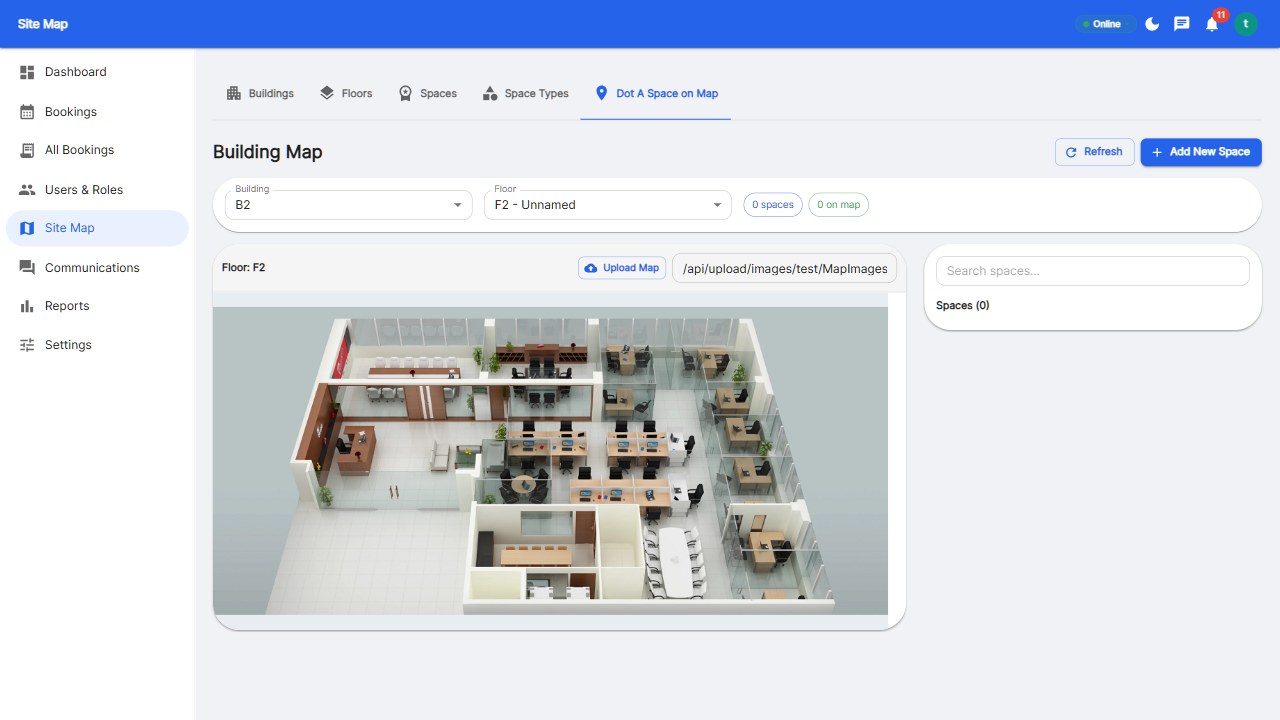
Ask to see the vendor's floor map setup with your floor plan image during the trial. Upload your actual office layout, place your desks and rooms, and test booking from a phone and a desktop. If the vendor cannot or will not do this, cross them off the list.
Also probe the support channel: send a pre-sales question through their stated support path and measure response time and quality. That same channel will carry your production issues later. Slow support during the trial is a preview of slow support after you pay.
These details decide whether the platform survives contact with reality. A system that books desks perfectly but cannot express your approval policy, or cannot handle guest access for visitors, will generate workarounds - and workarounds are how adoption dies.
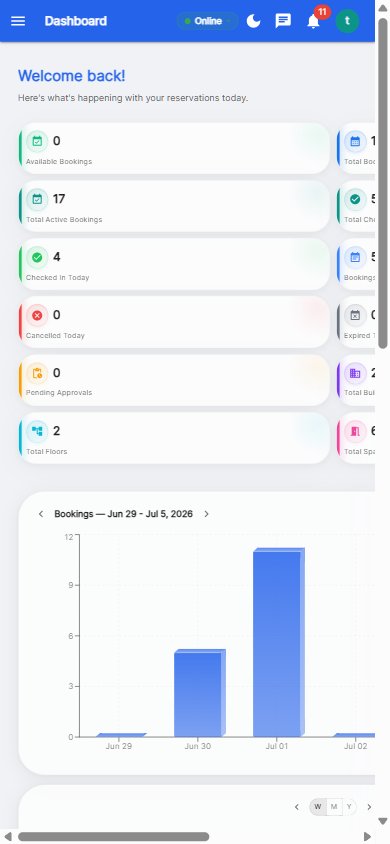
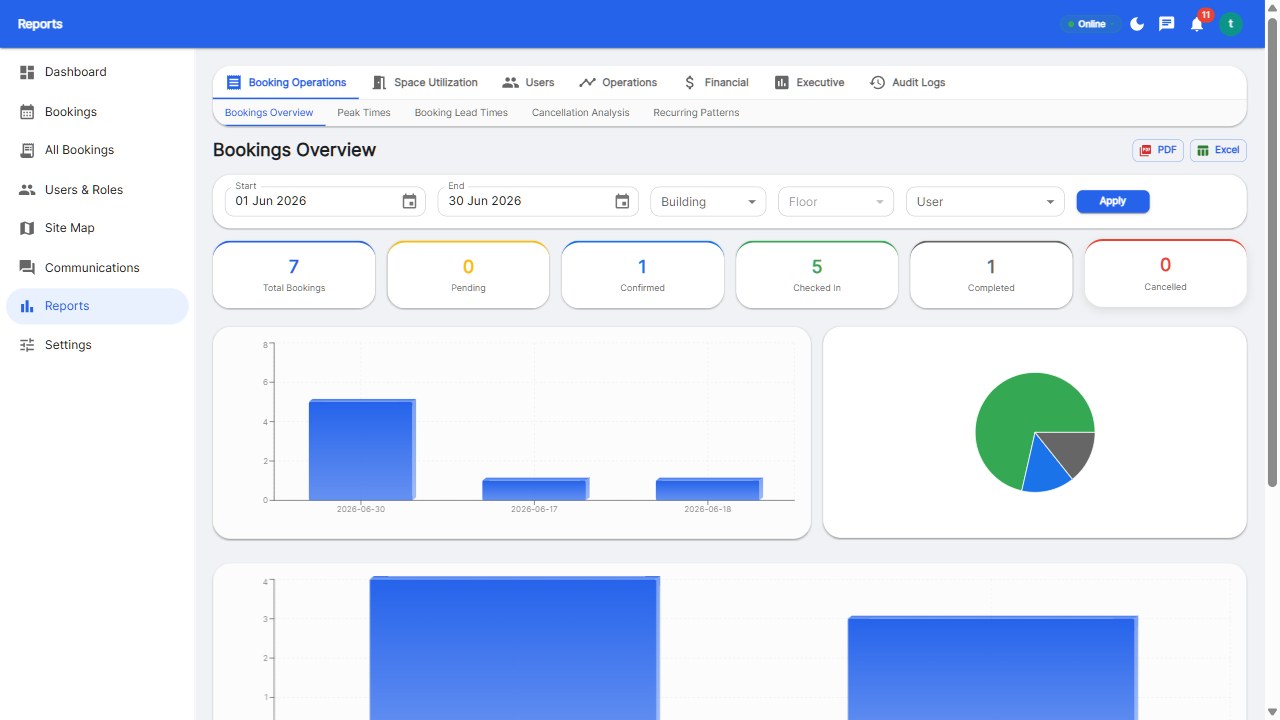
Your team will use this tool daily, so their verdict matters more than any analyst report. Run a 2-week pilot with your real floor plan and let 10-20 employees book their desks as part of their normal routine. Watch adoption: are bookings happening organically, or does every booking require a push? Collect feedback on speed, mobile experience, and clarity of availability.
This single step is the best predictor of long-term success. Tools with 95%+ pilot adoption almost always succeed in production; tools that languish during the pilot never recover. Budget real time for the pilot - it is the cheapest insurance you can buy.
The market splits into enterprise platforms (Robin, OfficeRnD - powerful but $350+/month and complex) and focused tools (Reservete, Skedda - cheaper, faster to deploy, and simpler to run). Our detailed comparison page breaks down Robin, Envoy, Officely, and Deskbird feature by feature, including pricing, free-trial terms, and user limits.
For most teams under 500 employees, a focused tool wins on speed of deployment, total cost, and daily usability. Enterprise platforms earn their premium only when you need deep customization, display hardware ecosystems, or multi-tenant management at scale. Choose the platform that matches your size today, and confirm the vendor has an upgrade path if you grow.
Reliable conflict detection. Everything else can be improved with training or integrations, but double bookings destroy trust in the system. Always test booking collisions during your trial.
Modern tools deploy in under a day. Reservete is designed to be set up in about 5 minutes: create your workspace, upload a floor plan, and start booking. Enterprise platforms with heavy configuration can take weeks.
Yes - most platforms, including Reservete, handle desks, meeting rooms, and parking spots in one system, with separate booking rules per space type.
Flat plan pricing (like Reservete's $49/$99.99 tiers) is more predictable for growing teams. Per-user pricing gets expensive as you scale and penalizes adoption - the very thing you want.
Run a pilot with real users, collect feedback, and fix friction points before full rollout. Teams adopt desk booking fast when it is faster than the alternative - which it almost always is.
Compare vendors side by side, then try the one that fits.
Start your free 30-day trial at Reservete.com - no credit card required, full access to every feature.

Enterprise workspace management platform. Book desks, meeting rooms, and parking spots in seconds.
Get product updates and workspace tips.
![How Much Does Desk Booking Software Cost? [2026 Pricing Guide]](/images/feature-booking.jpg)