Reservete
Reservete
Back to Blog
Product
Tips

Guest Booking Software: How to Manage Visitors in Your Hybrid Office

System Administrator

Thursday, August 13, 2026
Complete guide to guest booking software for hybrid offices. Learn how to streamline visitor check-ins, pre-register guests, assign guest desks, and improve security with automated visitor management in 2026.

Visitor Management Is a Hidden Bottleneck

Every day, offices receive visitors: clients arriving for meetings, candidates coming for interviews, contractors doing maintenance, and partners joining workshops. In a traditional office, these visitors are managed by a receptionist with a paper sign-in sheet and a phone call to the host. In a hybrid office, where the receptionist might be remote and the host might be working from home that day, this system breaks down completely.

Guest booking software solves this by automating the entire visitor lifecycle — from pre-registration to check-out — and integrating it with your desk and room booking system so visitors have a place to sit and a room to meet.

Key Features of Guest Booking Software

1. Pre-Registration

The best guest booking systems let hosts pre-register visitors before they arrive. The host fills in the visitor's name, email, company, purpose of visit, and expected arrival time. The visitor automatically receives an email with: directions and parking instructions, a QR code for contactless check-in, an NDA or health questionnaire (if required), and WiFi credentials for guests. This eliminates the awkward 'wait at reception while we call your host' experience.

2. Self-Service Check-In

When visitors arrive, they scan their QR code at a kiosk or on their own phone. The system: verifies their identity, prints a badge or displays a digital badge, notifies the host (via Slack, Teams, email, or SMS) that their visitor has arrived, and automatically assigns a guest desk or directs them to the right meeting room. No receptionist required — which is essential for hybrid offices where reception may not always be staffed.

3. Guest Desk Assignment

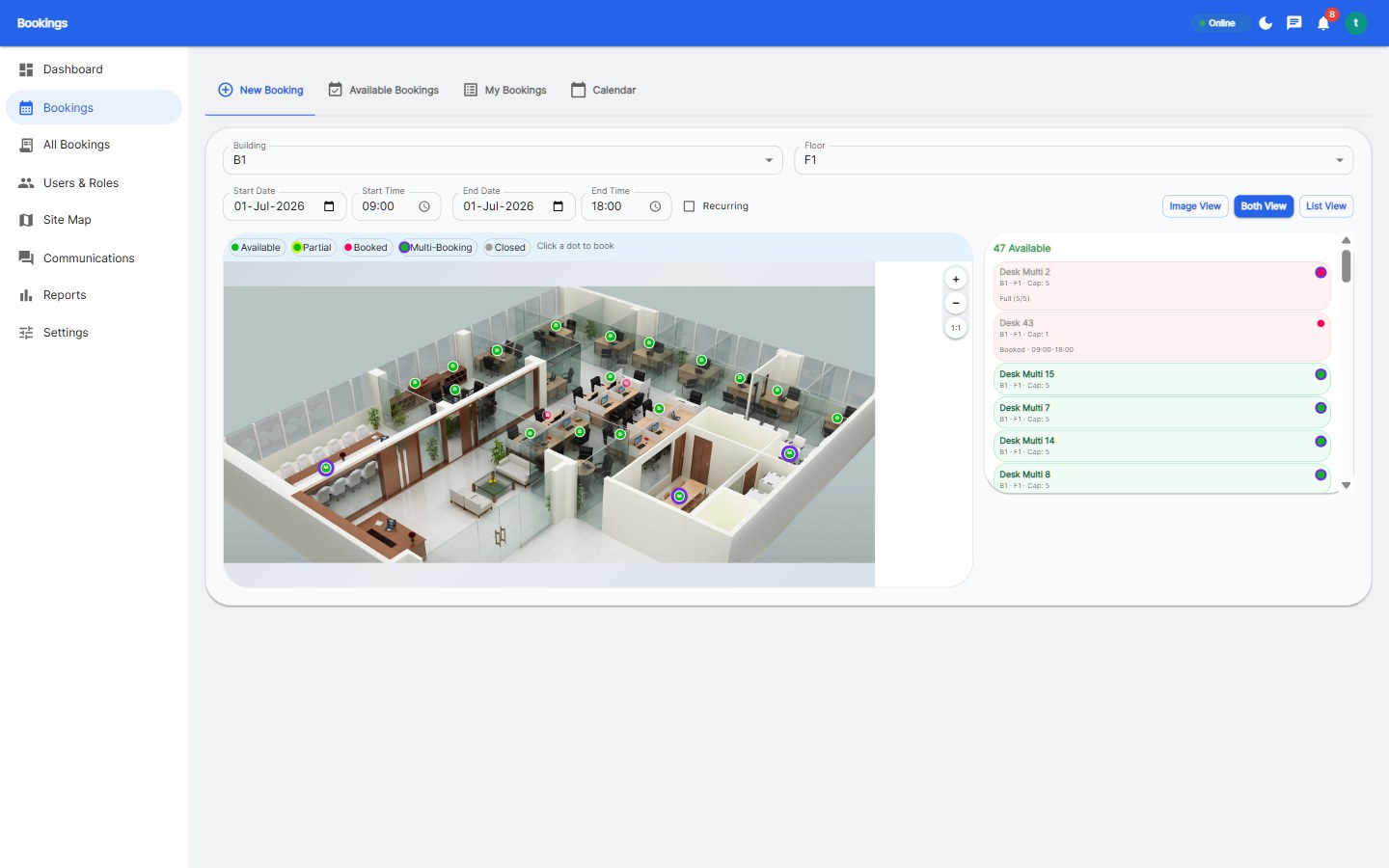
Visitors need a place to work, not just a place to wait. Integrated guest booking software can automatically assign a desk in a designated guest zone when a visitor checks in. The floor plan shows which guest desks are available, and the system reserves one for the visitor's expected duration. This prevents visitors from taking over an employee's desk or wandering around looking for space.

4. Security and Compliance

Visitor management has security implications: you need to know who is in the building at any time, for emergency evacuation, you need records of who visited for compliance (GDPR, SOC 2, industry regulations), and you need to screen visitors against watchlists (for regulated industries). Guest booking software maintains an audit trail of every visitor: who they visited, when they arrived, when they left, and what access they were granted.

5. Analytics and Reporting

Visitor analytics answer important questions: which departments host the most visitors? what is the average visitor dwell time? are there peak visitor days that need more guest capacity? how many visitors return for repeat visits? This data helps facility managers allocate guest zones, plan staffing, and understand the flow of external traffic through the office.

Guest Booking vs Visitor Management Systems

There is an important distinction between two types of tools:

AspectDedicated Visitor ManagementIntegrated Guest Booking
Primary focusCheck-in kiosks, badges, NDAsFull visitor journey + workspace
Desk assignmentNot includedAutomatic guest desk assignment
Room bookingSeparate systemIntegrated with meeting rooms
Employee experienceSeparate from workspace toolsUnified with desk booking
Hardware requiredOften iPad kiosksWeb/mobile based, no hardware
Best forHigh-security, high-volume lobbiesHybrid offices needing flexibility

For most hybrid offices, integrated guest booking is the better choice: it is one less system to manage, it assigns visitors a place to work, and it provides a consistent experience across employee and guest booking.

How to Set Up Guest Booking in Your Office

  1. Define your guest policy: Which days/times can guests visit? What advance notice is required? Who approves guest visits? Do all visitors need pre-registration or can walk-ins be accommodated?
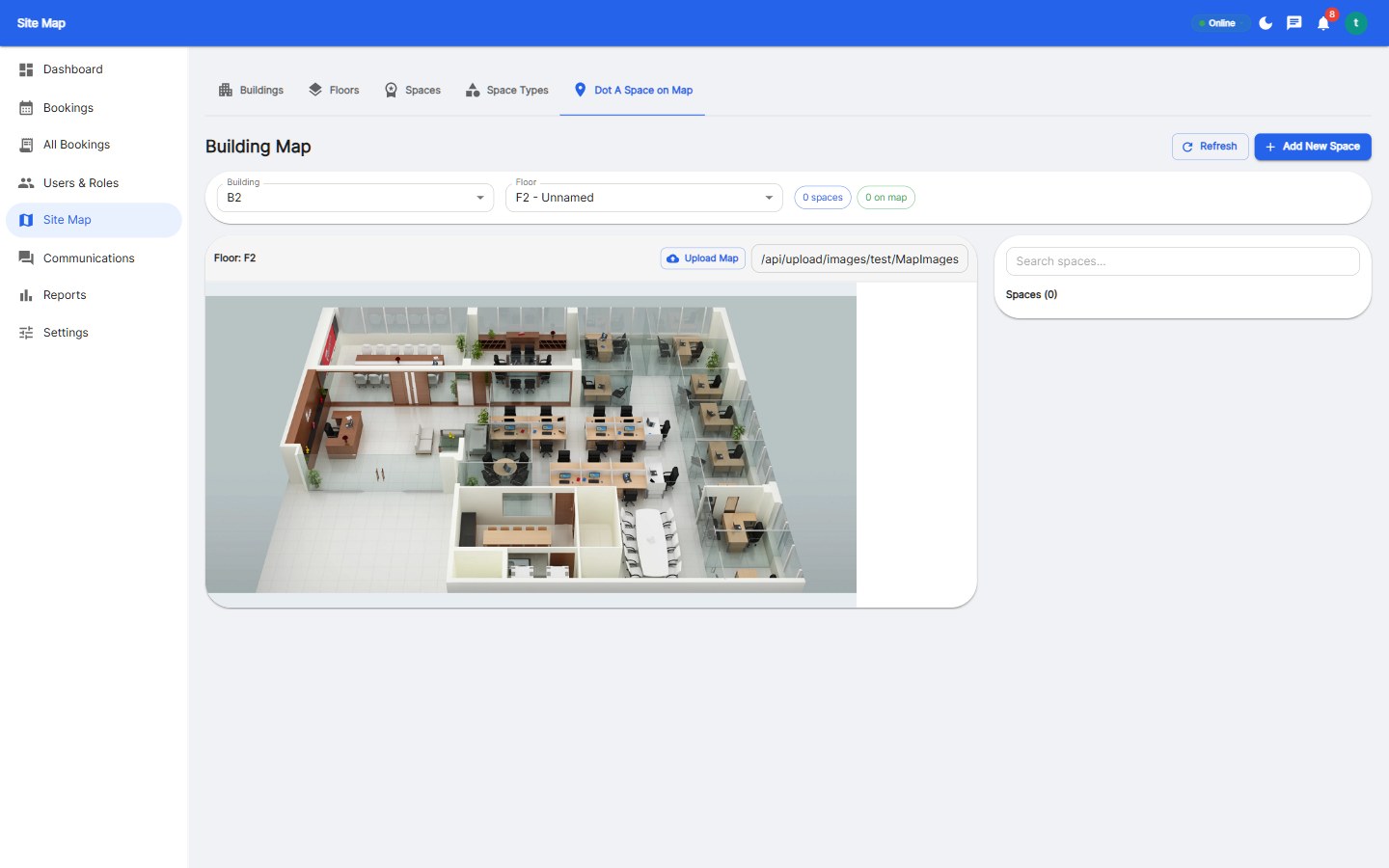
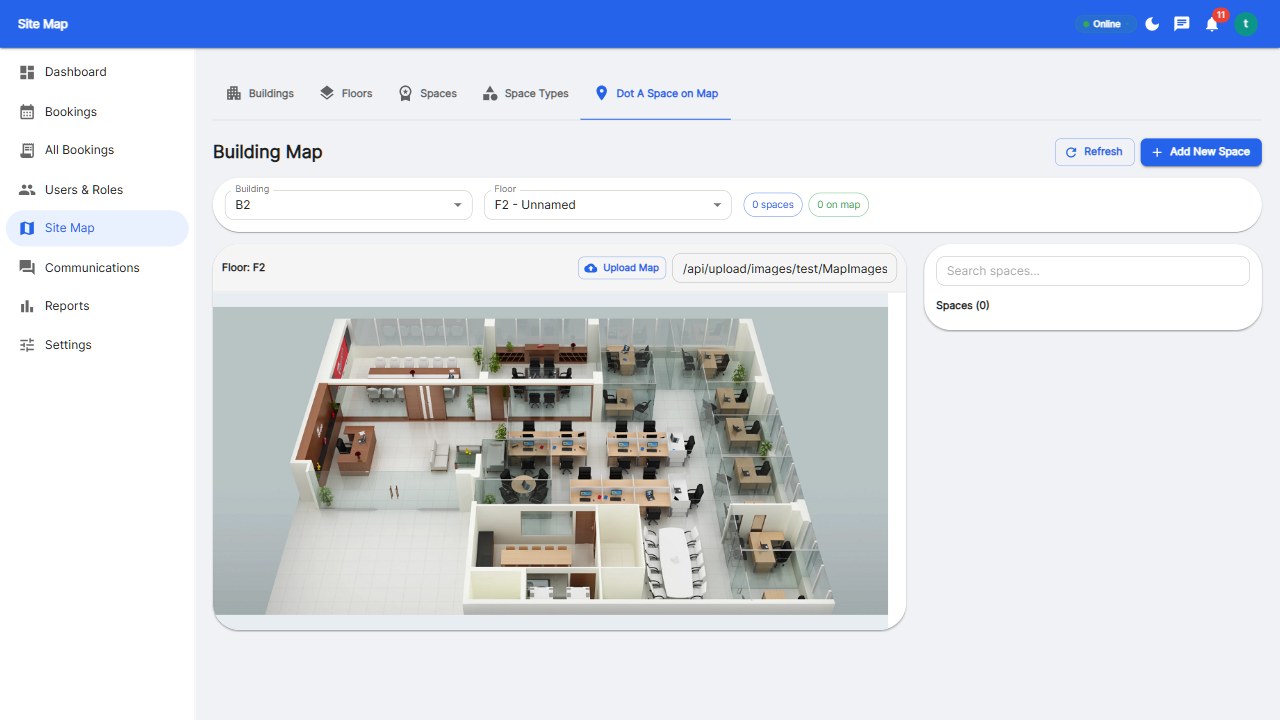
  2. Create a guest zone: Designate a specific area of your floor plan as 'guest desks.' These are separate from employee hot desks so visitors do not disrupt team zones.
  3. Set up the guest registration form: Customize the fields you need — name, email, company, purpose, expected duration, host name, NDA acknowledgement, health screening questions.
  4. Configure notifications: Decide how hosts are notified (Slack, Teams, email, SMS) and set up automatic reminders for visitors (day-before and morning-of emails).
  5. Create visitor WiFi credentials: Set up a guest network and configure the booking system to email WiFi credentials automatically after pre-registration.
  6. Test the flow: Run through the full visitor journey as a test — pre-register, receive email, check in, get desk assignment, check out. Fix any friction points before going live.

Best Practices for Guest Booking

  • Require pre-registration for all visitors. Walk-ins create security and logistics problems. Even if a visitor forgets to pre-register, make same-day registration possible from their phone in under 2 minutes.
  • Send clear arrival instructions. Include a map, parking info, entrance location, and 'who to ask for' in the confirmation email. Visitors should never feel lost or uncertain.
  • Set guest desk time limits. Prevent visitors from occupying guest desks indefinitely by setting a maximum duration (typically 4 hours), after which the desk is released.
  • Collect feedback. Ask visitors how their experience was after check-out. This is valuable for improving both your visitor experience and your brand reputation.
  • Review visitor logs regularly. Look for patterns — recurring visitors, peak times, departments with high visitor volume — and adjust your guest zones and policies accordingly.

Getting Started

Reservete includes guest booking as part of its workspace management platform — visitor pre-registration, QR code check-in, automatic guest desk assignment, and visitor analytics — all integrated with desk and room booking. Start your 30-day free trial and streamline your visitor experience today.

Product
Tips
Back to Blog
Reservete
Reservete

Enterprise workspace management platform. Book desks, meeting rooms, and parking spots in seconds.

Product

Features

Pricing

Compare

ROI Calculator

Stay up to date

Get product updates and workspace tips.

© 2026 Reservete. All rights reserved.